Apunkagames Official Site – Games Download For PC Apunkagames Official Site — Discover detailed PC game guides, accurate system requirements, screenshots, and verified official download links for top Windows games.

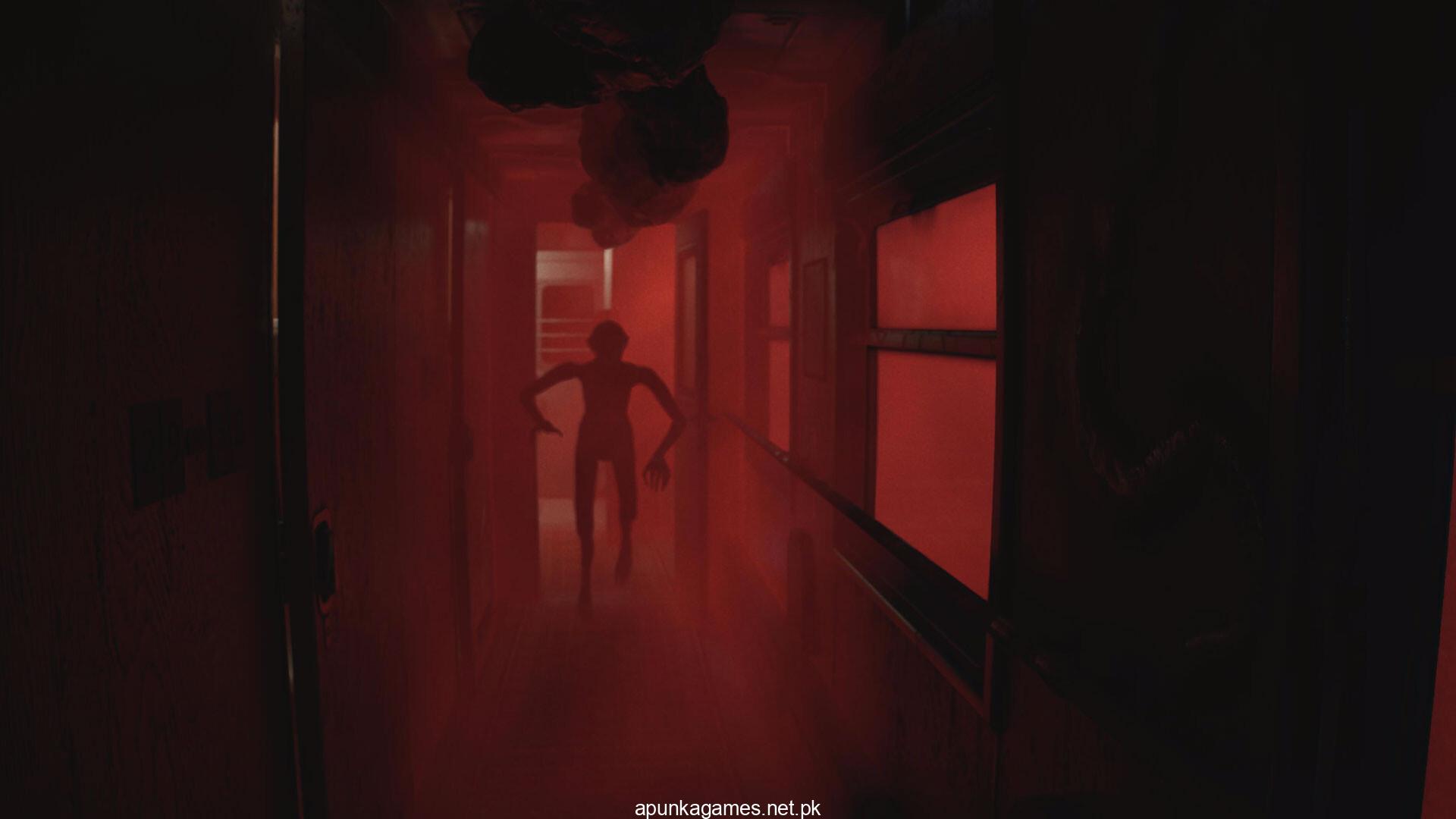
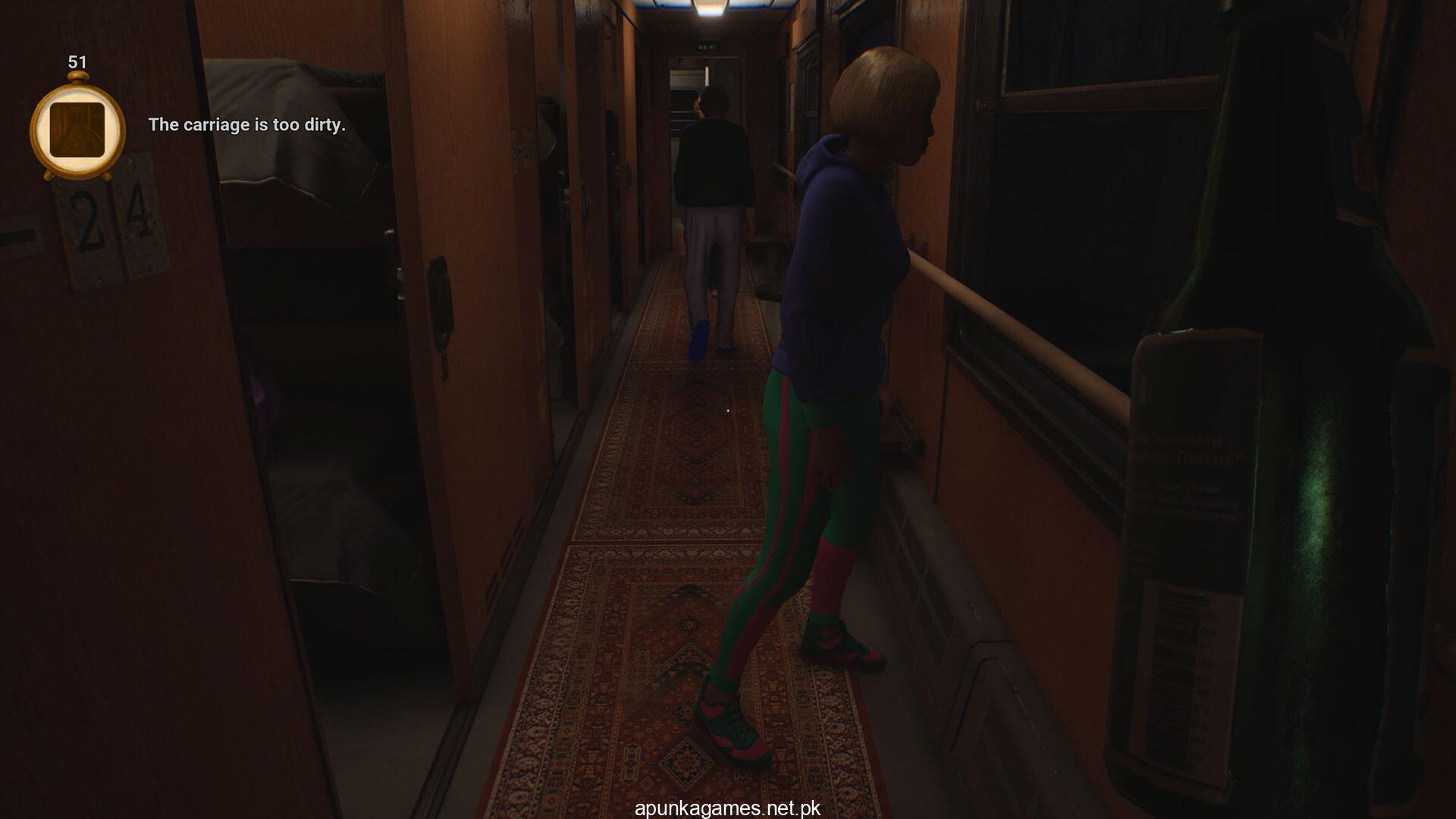
Conductor Eternal Service is an atmospheric psychological horror simulation game released in March 2026 that turns a routine night shift into a terrifying supernatural nightmare. Developed and published by Beshbarmak Games, the narrative places you in the uniform of a train conductor operating a vintage, Soviet-inspired locomotive. What begins as a mundane job managing passengers quickly descends into chaos as a malevolent presence takes over the train cars.
For PC players, the gameplay loop brilliantly forces you to multitask between standard customer service duties and high-stakes survival. You must aggressively manage your daily routine: checking tickets, mopping the floors, folding fresh bedding, and keeping the boiling samovar ready to serve tea and instant noodles to meet your sales plan targets. However, the simulation shifts drastically when passengers begin displaying erratic symptoms of demonic possession. You have to carefully observe their behavior, identify the specific type of demon at play, and quickly select the correct holy icon to perform an exorcism before things get violent.
The indie title relies on immersive, first-person mechanics and an intense, claustrophobic atmosphere. The digital installation is lightweight, requiring only 8 GB of available storage space on your hard drive or solid-state drive (SSD).
Before downloading make sure that your PC meets minimum system requirements
Minimum System Requirements
- OS: WINDOWS 10, 11 (64-bit)
- Processor: Intel Core i3-10100F / AMD Ryzen 5 3500
- Memory: 8 GB RAM
- Graphics: GeForce GTX 1050ti 4GB / AMD Radeon R7 370 4GB
- Storage: 8 GB available space
Screenshots
How to Install Conductor Eternal Service?
- Download: Get the installer only from the official developer or a verified store.
- Run Setup: Double-click the official .exe file and follow the prompts.
- Default Path: Install to the recommended folder to ensure proper system permissions.
- Update: Run the game launcher to download any official security patches.
- Launch: Open the game via the official desktop shortcut.