Apunkagames Official Site – Games Download For PC Apunkagames Official Site — Discover detailed PC game guides, accurate system requirements, screenshots, and verified official download links for top Windows games.
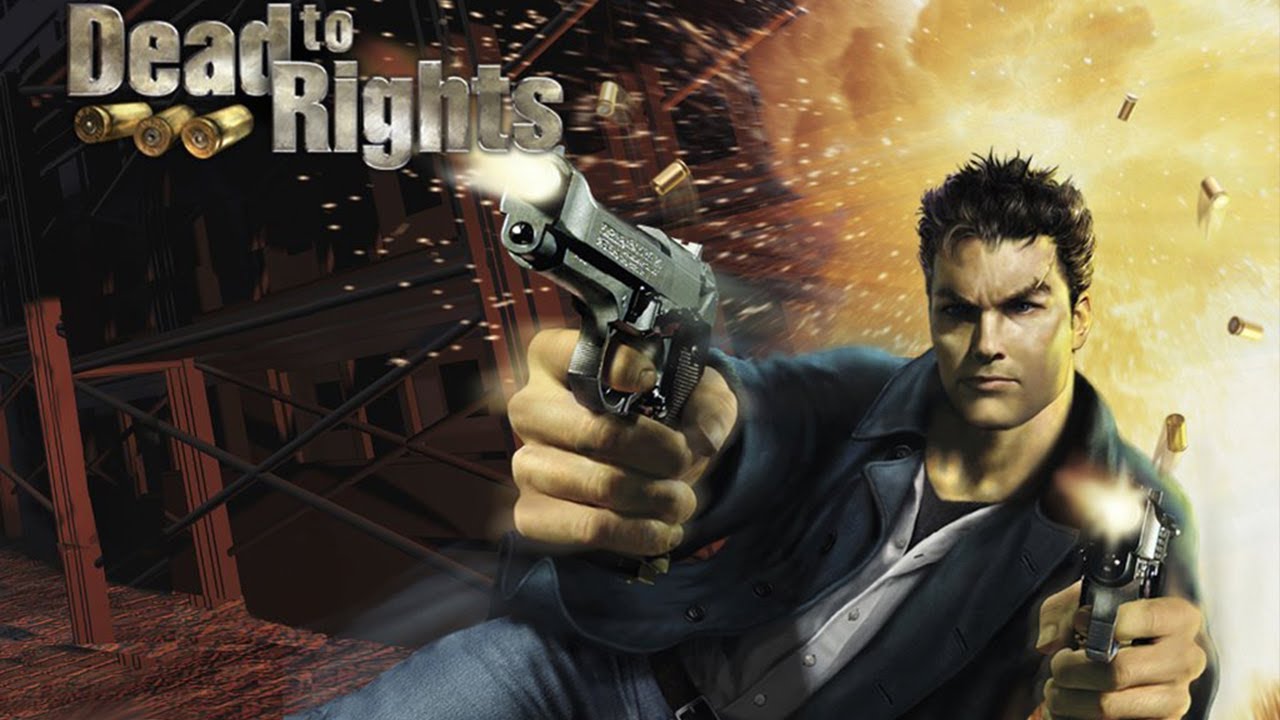
Dead to Rights is an intense neo-noir third-person action video game originally released by Namco in 2002. The story centers on Jack Slate, a hard-boiled police officer patrolling the gritty, crime-ridden streets of Grant City. During a routine call at a construction site, Jack discovers the lifeless body of his own father, a tragedy that sets off a relentless quest for justice. However, his mission takes a dark turn when he is framed for a murder he did not commit, forcing him to become a desperate fugitive on the run from corrupt city officials.
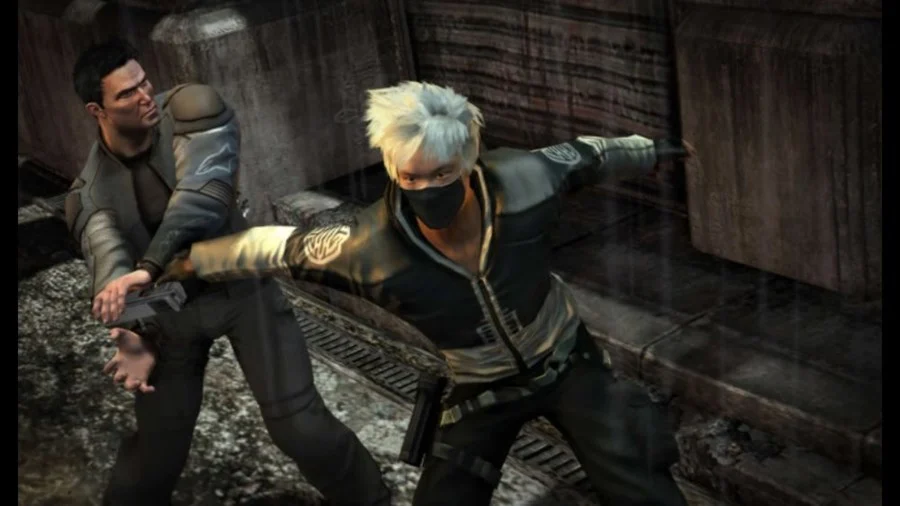
The gameplay combines gritty bullet-time gunplay, martial arts brawling, and lethal disarm maneuvers that allow you to turn an enemy’s weapon against them. A major highlight of the experience is Jack’s loyal canine partner, Shadow, a fierce K-9 companion who can be commanded to retrieve firearms, take down armed hostiles silently, or create chaotic distractions during heavy firefights. The campaign even includes a memorable prison break sequence after Jack is sentenced to the electric chair, driving home the game’s brutal, unforgiving tone.
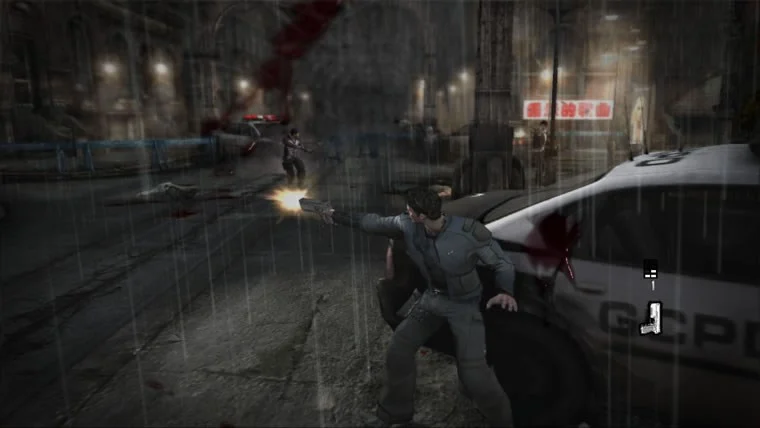
This title stood out during the early 2000s era of action gaming for its cinematic presentation and high-stakes narrative, capturing the look and feel of a gritty action film. It was originally launched as a timed exclusive for the original Xbox before making its way to the PlayStation 2, Nintendo GameCube, and eventually PC systems. Blending elements of classic noir thrillers with frantic arcade shooting mechanics, it ultimately paved the way for multiple sequels and established itself as a memorable cult hit.
Before downloading make sure that your PC meets minimum system requirements
Minimum System Requirements
- OS: Windows 98/2000/XP
- Processor: Pentium III 500 MHz
- Memory: 128 MB RAM
- Graphics: 16 MB DirectX 8.1 compatible graphics card
- DirectX: Version 8.1
- Storage: 700 MB available space
Screenshots
How to Install Dead to Rights?
- Download: Get the installer only from the official developer or a verified store.
- Run Setup: Double-click the official .exe file and follow the prompts.
- Default Path: Install to the recommended folder to ensure proper system permissions.
- Update: Run the game launcher to download any official security patches.
- Launch: Open the game via the official desktop shortcut.