Apunkagames Official Site – Games Download For PC Apunkagames Official Site — Discover detailed PC game guides, accurate system requirements, screenshots, and verified official download links for top Windows games.

Freelancer is a landmark space trading and combat simulation video game released by Microsoft Game Studios in 2003. Developed by Digital Anvil, the game places players in a massive, open-ended galaxy featuring dozens of star systems split between various political factions. Instead of sticking strictly to rigid military missions, players are given unprecedented freedom to forge their own path across the cosmos as an independent pilot.
The gameplay brilliantly discards the traditional, complex joystick setups of older space simulators in favor of an intuitive, mouse-driven flight control system. This allowed players to easily pilot single-seat starfighters, engage in fast-paced dogfights, and navigate complex trade lanes. Whether you want to pursue the cinematic single-player campaign as mercenary Edison Trent or explore the open universe, the core loop revolves around taking on dynamic side jobs to amass wealth and acquire powerful ship upgrades.
Economically and socially, the universe of this title feels incredibly alive due to its robust commodity trading, bounty hunting, and faction reputation mechanics. Players can choose to protect vulnerable cargo freighters, mine valuable resources from asteroid fields, or turn to a life of space piracy. This vast choice of professions, combined with a persistent multiplayer mode that supports large communities, cemented the game’s reputation as a cult classic that heavily influenced modern space exploration games.
Before downloading make sure that your PC meets minimum system requirements
Minimum System Requirements
- OS: Windows 98/ME/2000/XP
- Processor: 600 MHz Pentium III or equivalent
- RAM: 128 MB
- Graphics: 16 MB DirectX 9.0-compatible video card
- Storage: 450 MB
Screenshots
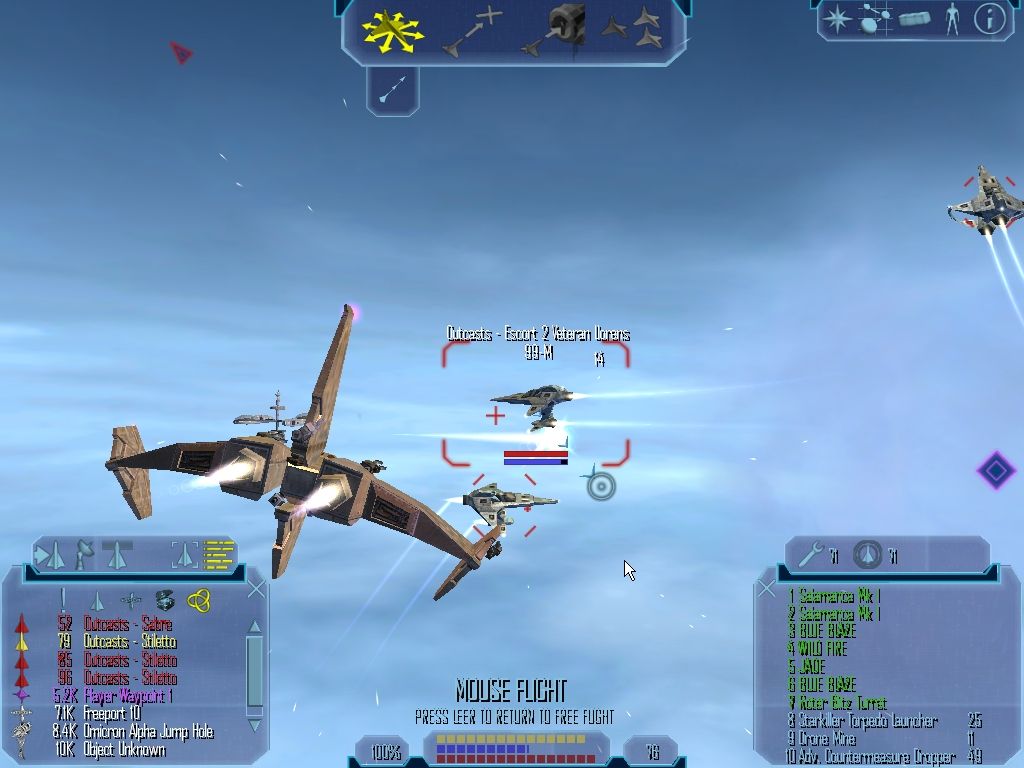
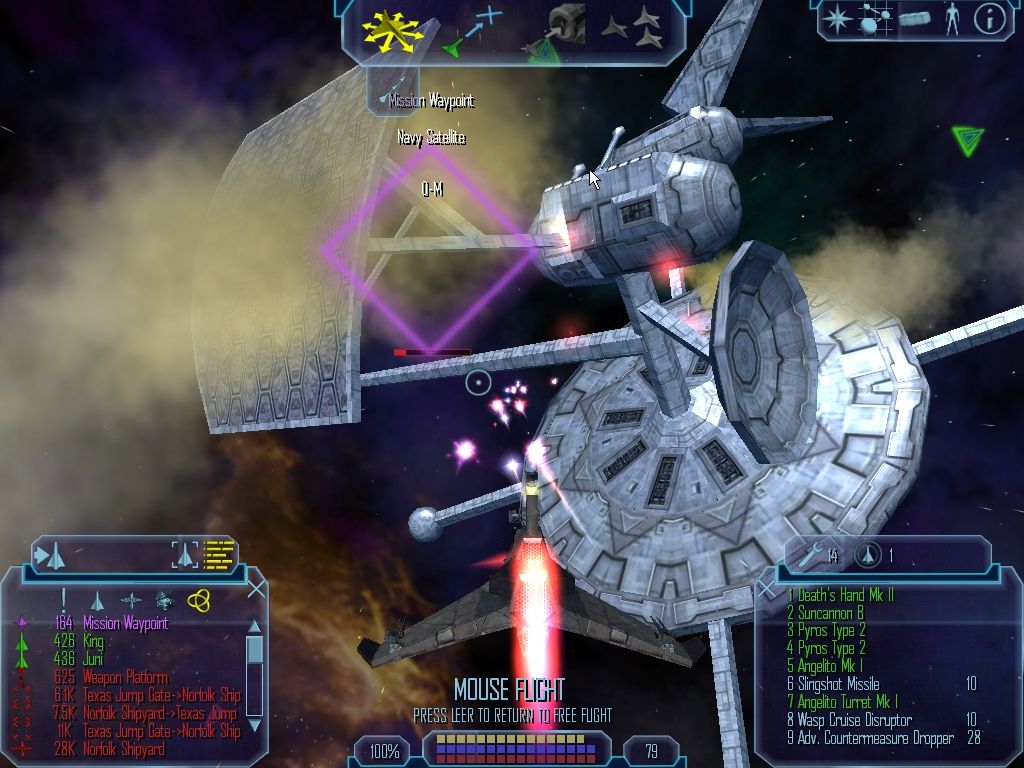
How to Install Freelancer?
- Download: Get the installer only from the official developer or a verified store.
- Run Setup: Double-click the official .exe file and follow the prompts.
- Default Path: Install to the recommended folder to ensure proper system permissions.
- Update: Run the game launcher to download any official security patches.
- Launch: Open the game via the official desktop shortcut.