Apunkagames Official Site – Games Download For PC Apunkagames Official Site — Discover detailed PC game guides, accurate system requirements, screenshots, and verified official download links for top Windows games.

Kotama and Academy Citadel is an action-packed 2.5D side-scrolling Metroidvania released in January 2026. Developed by Atomstring Games and published by 2P Games, the narrative centers around a prestigious, high-tech school caught in a mysterious crisis where time stasis has frozen the student body. Players take control of a uniquely gifted student named Kotama, who must navigate a cutthroat environment where “survival of the fittest” is the absolute law, utilizing her rare immunity to the temporal anomaly to investigate the school’s deepest secrets.
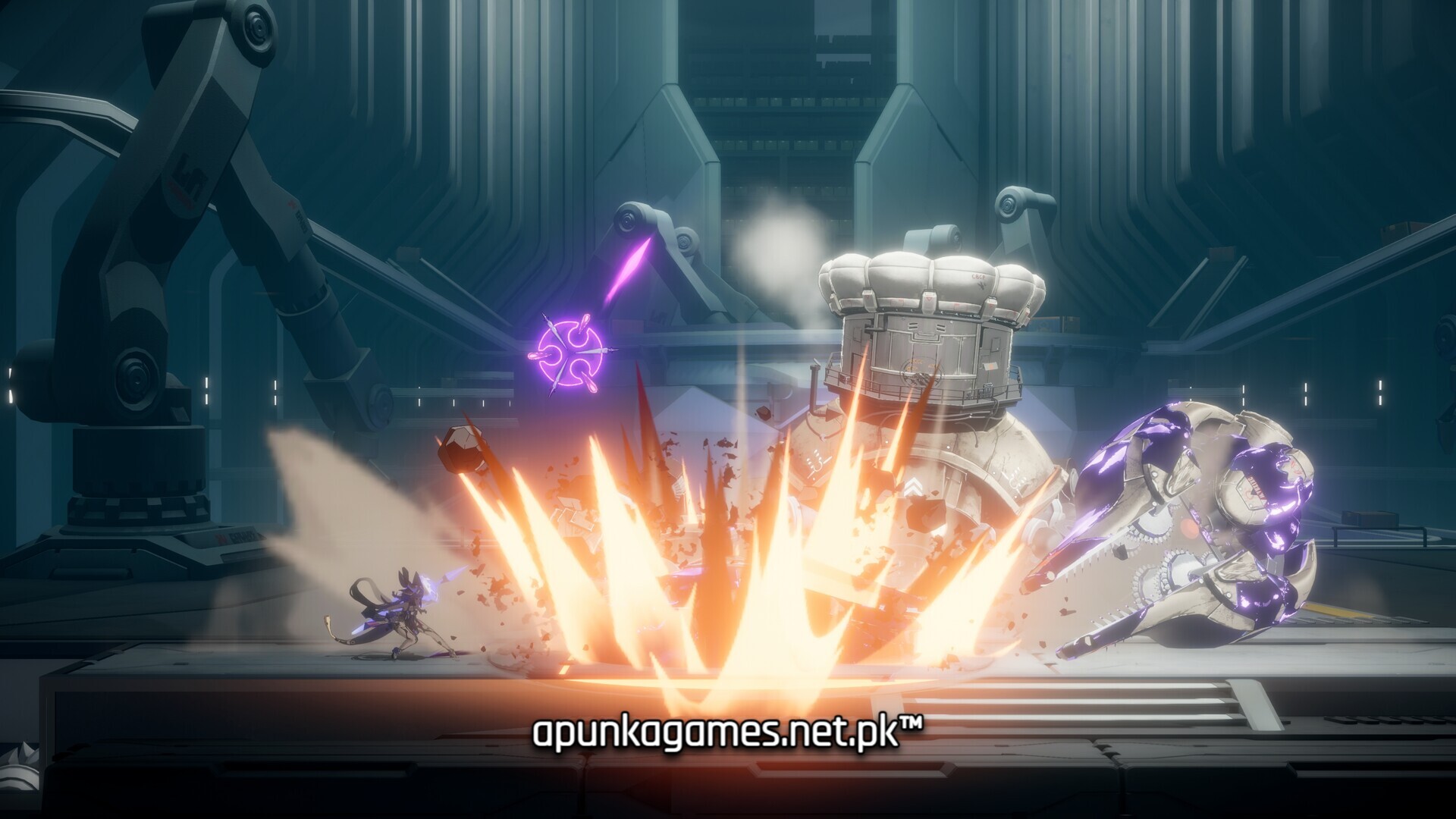
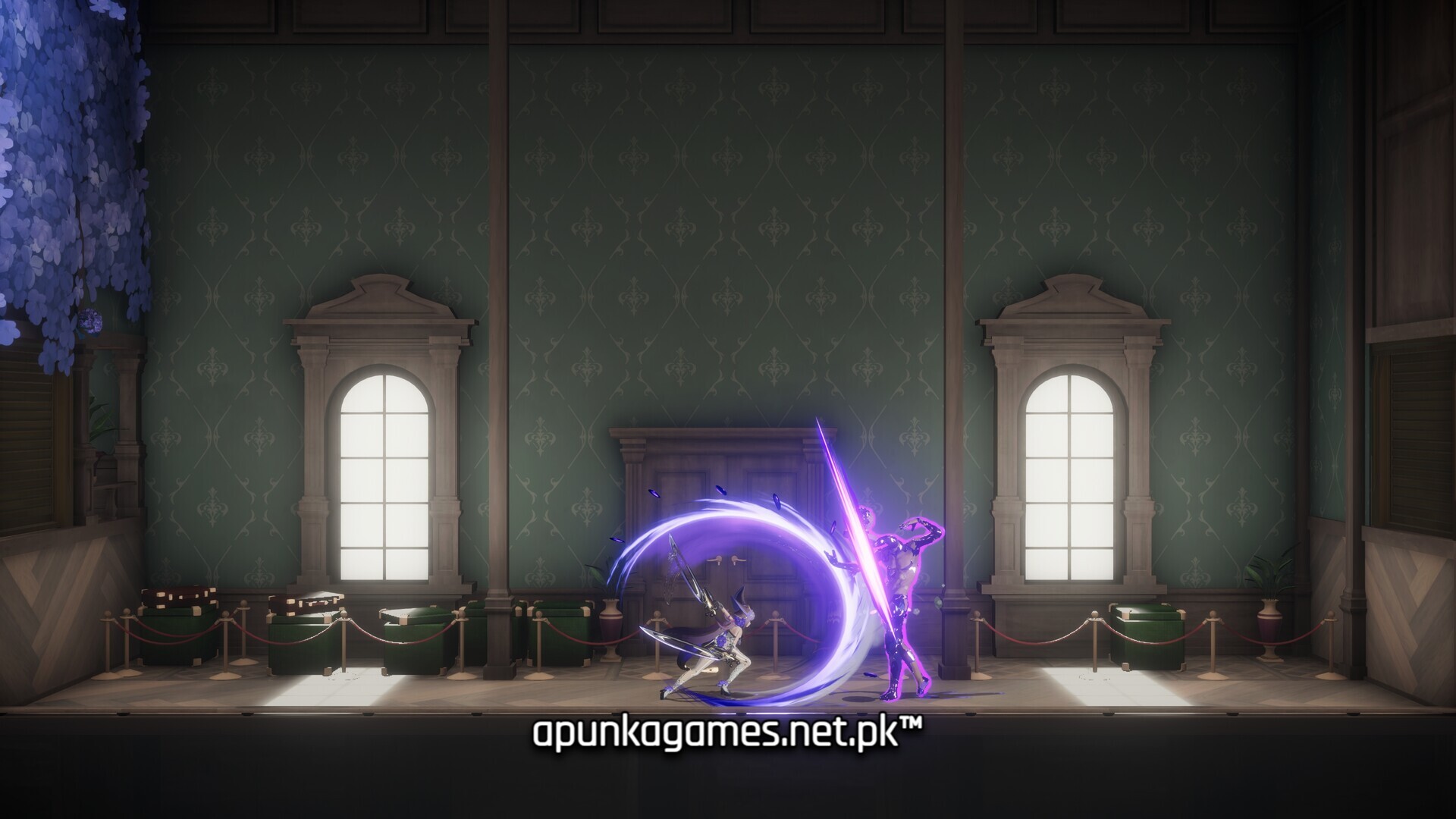
The core gameplay loop centers on fast-paced, fluid combat combined with heavy structural platforming. Kotama leverages three highly distinctive, hot-swappable weapons: a well-rounded Umbrella Spear that allows her to glide, a heavy-hitting Whip Hammer built for crushing barriers, and an agile Liquid Blade optimized for lightning-fast mid-air parries. Defeating waves of bizarre enemies requires mastering precision blocks to trigger tactical bullet-time slowdowns, building up energy to unleash massive, screen-clearing Fluid Detonations.
True to the Metroidvania genre, exploring the labyrinthine campus requires tracking back to older zones with newly acquired traversal upgrades to unlock hidden routes, shortcuts, and gear. The digital installation requires 25 GB of available storage space on your hard drive or solid-state drive (SSD) to begin your school year.
Before downloading make sure that your PC meets minimum system requirements
Minimum System Requirements
- Requires a 64-bit processor and operating system
- OS: Windows 10+
- Processor: Intel Core i5-8400 or AMD Ryzen 5 3600
- Memory: 8 GB RAM
- Graphics: NVDIA GTX 1060 or AMD Radeon RX 480
- DirectX: Version 11
- Storage: 25 GB available space
Screenshots
How to Install Kotama and Academy Citadel?
- Download: Get the installer only from the official developer or a verified store.
- Run Setup: Double-click the official .exe file and follow the prompts.
- Default Path: Install to the recommended folder to ensure proper system permissions.
- Update: Run the game launcher to download any official security patches.
- Launch: Open the game via the official desktop shortcut.