Apunkagames Official Site – Games Download For PC Apunkagames Official Site — Discover detailed PC game guides, accurate system requirements, screenshots, and verified official download links for top Windows games.
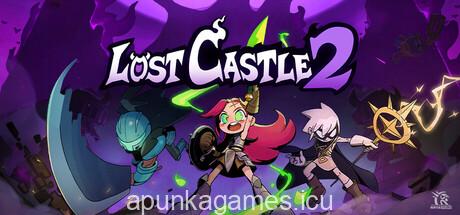
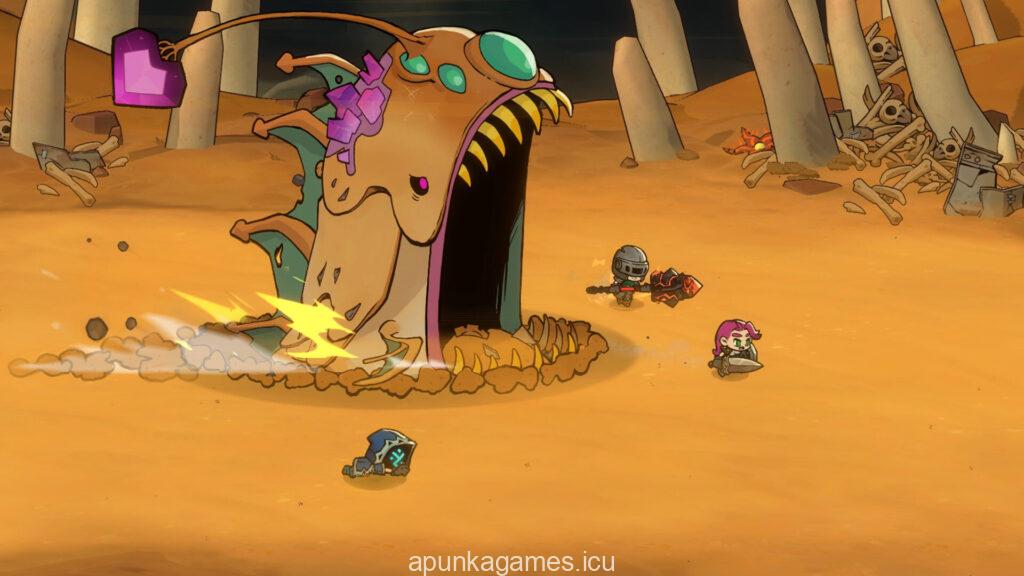
Lost Castle 2 is a highly anticipated 2D beat ’em up roguelite developed by Hunter Studio that expands significantly on the foundation of the original hit title. Players once again step into the boots of a brave member of the Treasure Hunters Guild, journeying into the mysterious border mountains to explore the enigmatic Dark Castle. The sequel introduces completely overhauled mechanics, faster combat loops, and a vast array of vibrant, hand-drawn environments filled with mutated creatures and powerful mechanical bosses.
The core loop revolves around intense, choice-based dungeon crawling and deep build customization. With an expansive arsenal of over 200 randomized weapons and armor sets, players can discover completely unique active combat skills during every run. The integration of the Rune Element system and over 140 different passive treasures allows you to stack modifiers, altering your playstyle from a defensive tank to a high-speed elemental damage dealer. Defeating bosses yields soul resources that can be spent at your base camp for permanent progression upgrades.
Featuring robust online and local co-op play, the game is built for chaotic teamwork as you tackle challenging high-tier difficulties like the Ethereal Nightmare modes. Hidden branching stages and secret encounters keep every expedition feeling completely fresh and unpredictable. Whether you are playing solo or grouping up with friends, this action-packed sequel offers a deeply satisfying loop of combat, loot, and discovery. Prepare your hardware and dive back into the dangerous depths of the castle.
Before downloading make sure that your PC meets minimum system requirements
Minimum System Requirements
- OS: Windows 10/11 (64-bit)
- Processor: Dual Core 2 GHz
- Memory: 4 GB RAM
- Graphics: Intel HD 530 (AMD or NVIDIA equivalent)
- DirectX: Version 11
- Storage: 4 GB available space
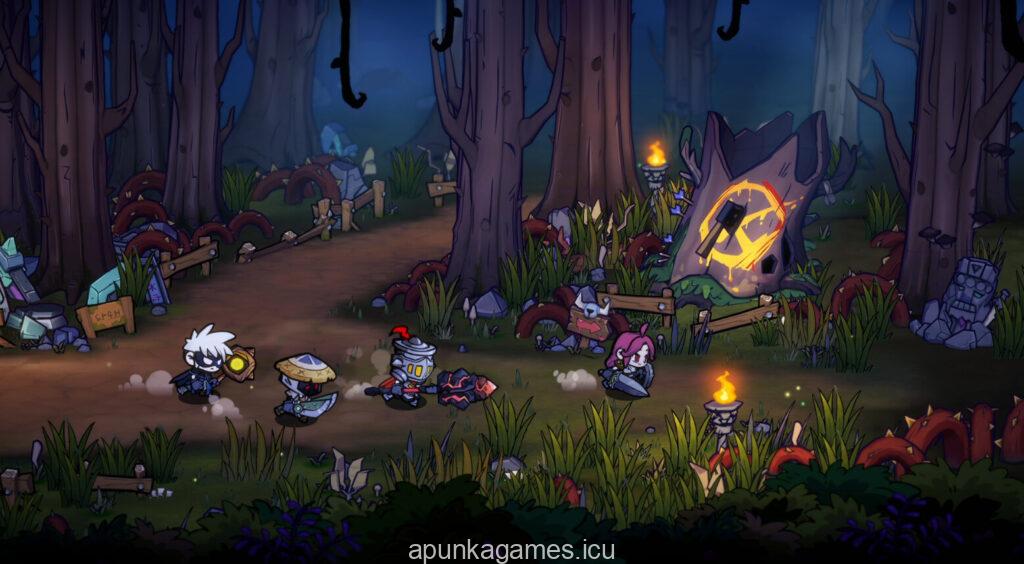
Screenshots
How to Install Lost Castle 2?
- Download: Get the installer only from the official developer or a verified store.
- Run Setup: Double-click the official .exe file and follow the prompts.
- Default Path: Install to the recommended folder to ensure proper system permissions.
- Update: Run the game launcher to download any official security patches.
- Launch: Open the game via the official desktop shortcut.