Apunkagames Official Site – Games Download For PC Apunkagames Official Site — Discover detailed PC game guides, accurate system requirements, screenshots, and verified official download links for top Windows games.

Pawnbroker Simulator is an engaging first-person management game released in March 2026 that challenges players to build a thriving business empire from a humble storefront. Developed by Next Sky Games and published by PlayWay and Ultimate Games, the narrative tracks your rise through the cutthroat world of street-level commerce, where every asset evaluation and customer negotiation dictates your survival.
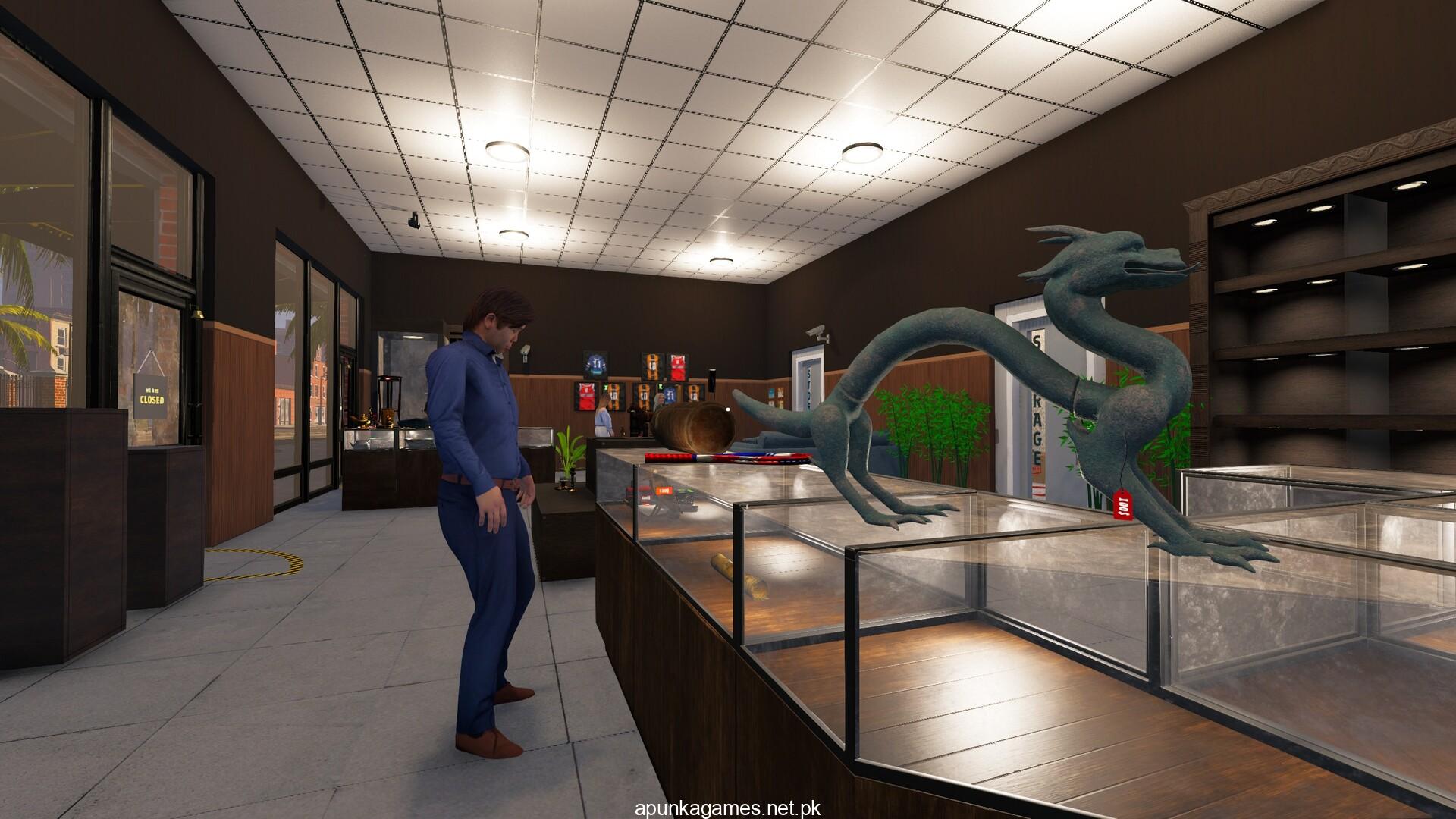
For PC players, the gameplay loops around high-stakes economic management and interactive appraisal mechanics. You must meticulously inspect more than 250 distinct items—spanning weapons, fine art, electronics, and rare collectibles—to spot clever counter-feits and determine authentic values. The dynamic economy forces you to balance high-interest loans against cash reserves, manage physical storage constraints, and deal with specialized customer archetypes like hoarders or resellers. Furthermore, players must invest heavily in store layout customization and high-tech security grids to defend their vault from thieves.
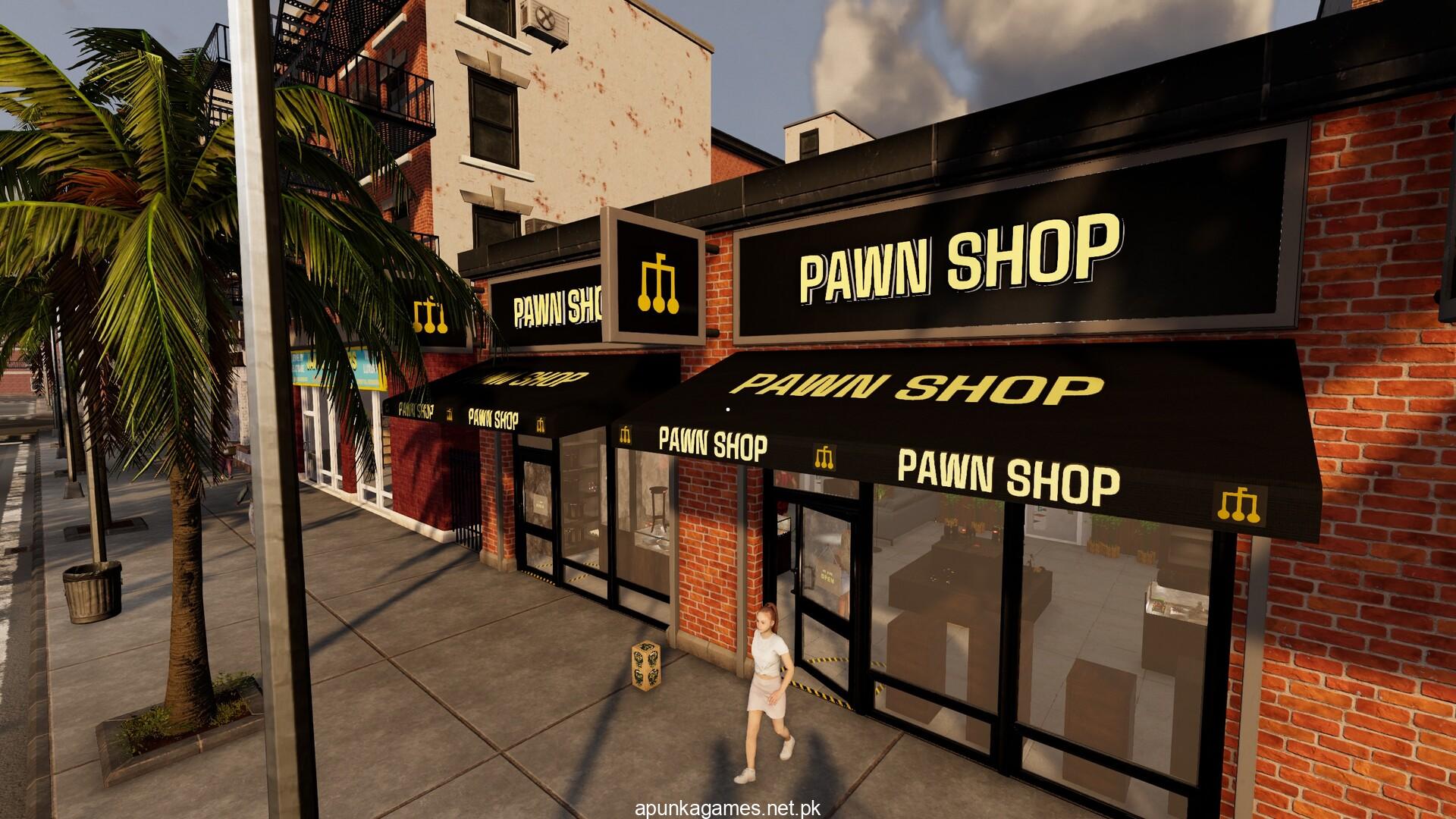
Visually, the title delivers a realistic, high-fidelity 3D aesthetic featuring rich item textures and highly customizable interiors. The interface is clean, facilitating fluid mouse navigation for close-up item inspections. The compact digital installation requires only 3 GB of available storage space on your hard drive or solid-state drive (SSD) to open up your shop.
Before downloading make sure that your PC meets minimum system requirements
Minimum System Requirements
- OS: Windows 10 64-bit
- Processor: Intel Core i5-9400F / AMD Ryzen 5 1600
- Memory: 12 GB RAM
- Graphics: NVIDIA GeForce GTX 960 / AMD Radeon RX 560
- DirectX: Version 9.0c
- Storage: 3 GB available space
Screenshots
How to Install Pawnbroker Simulator?
- Download: Get the installer only from the official developer or a verified store.
- Run Setup: Double-click the official .exe file and follow the prompts.
- Default Path: Install to the recommended folder to ensure proper system permissions.
- Update: Run the game launcher to download any official security patches.
- Launch: Open the game via the official desktop shortcut.