Apunkagames Official Site – Games Download For PC Apunkagames Official Site — Discover detailed PC game guides, accurate system requirements, screenshots, and verified official download links for top Windows games.
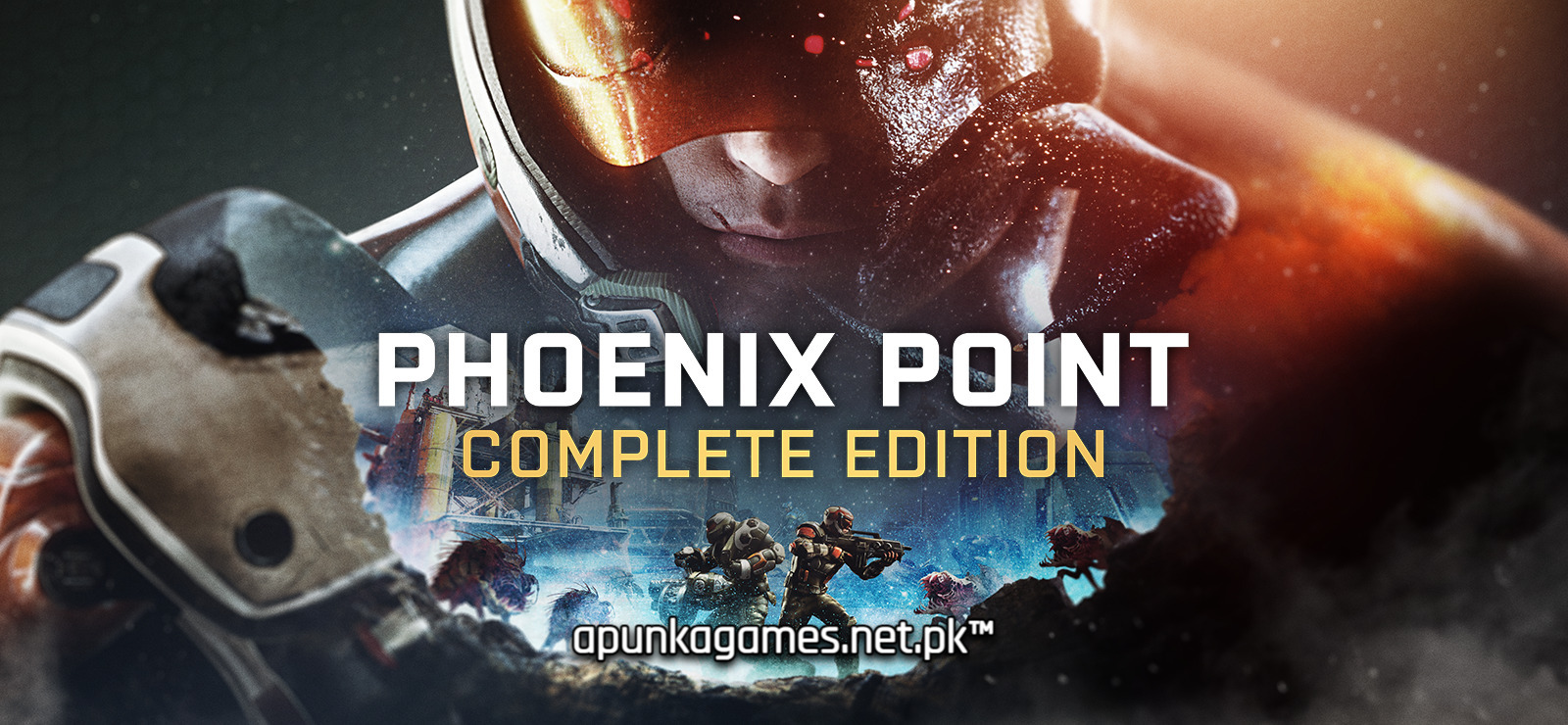
Phoenix Point Complete Edition is the definitive, all-inclusive tactical sci-fi strategy game crafted by Julian Gollop, the legendary creator of the original X-COM. Set in a grim future where an alien mutagen called the Pandoravirus has decimated humanity and mutated Earth’s wildlife, you command Phoenix Point—a secret, dormant cell of global operatives tasked with saving mankind from absolute extinction.
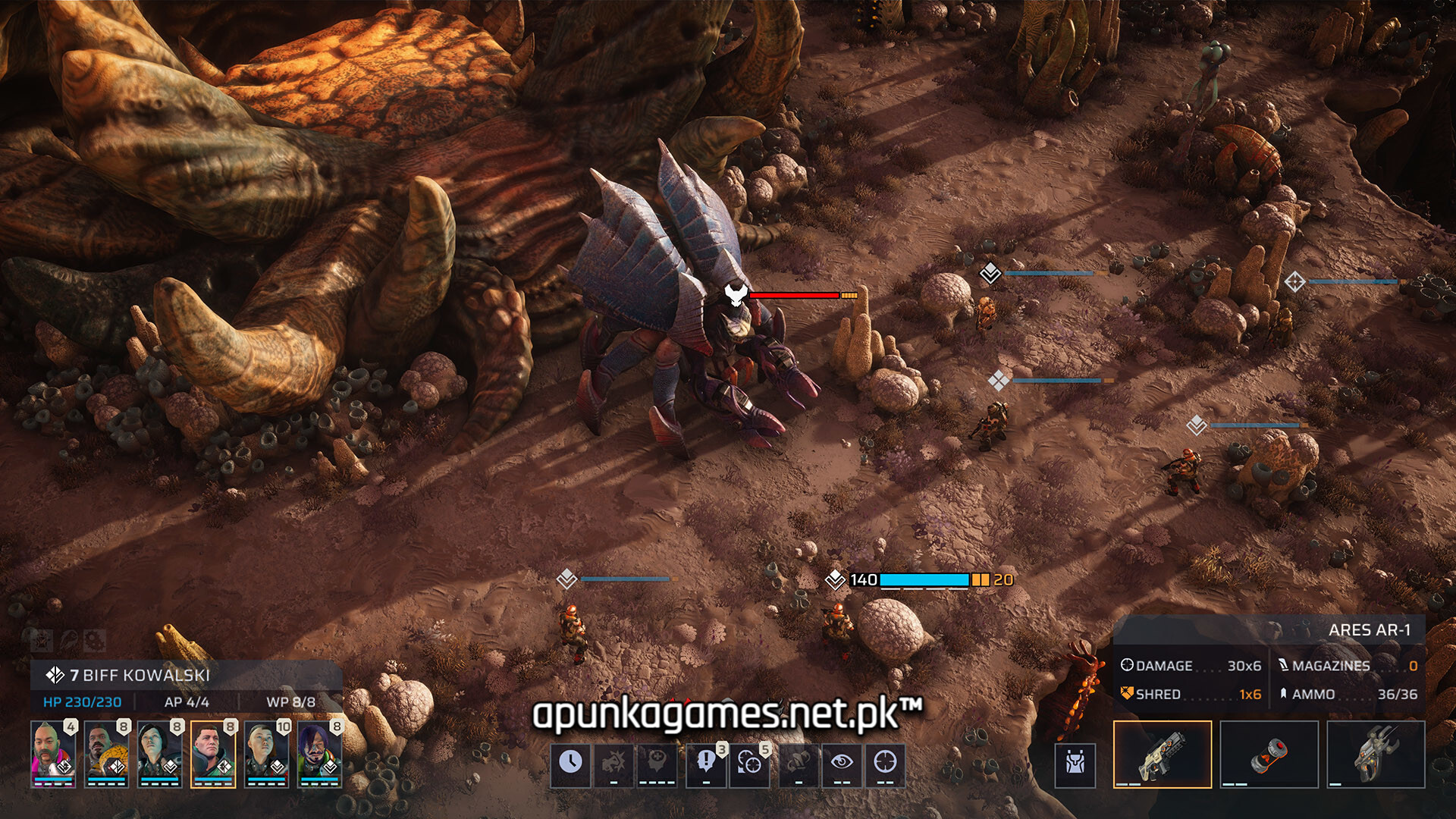
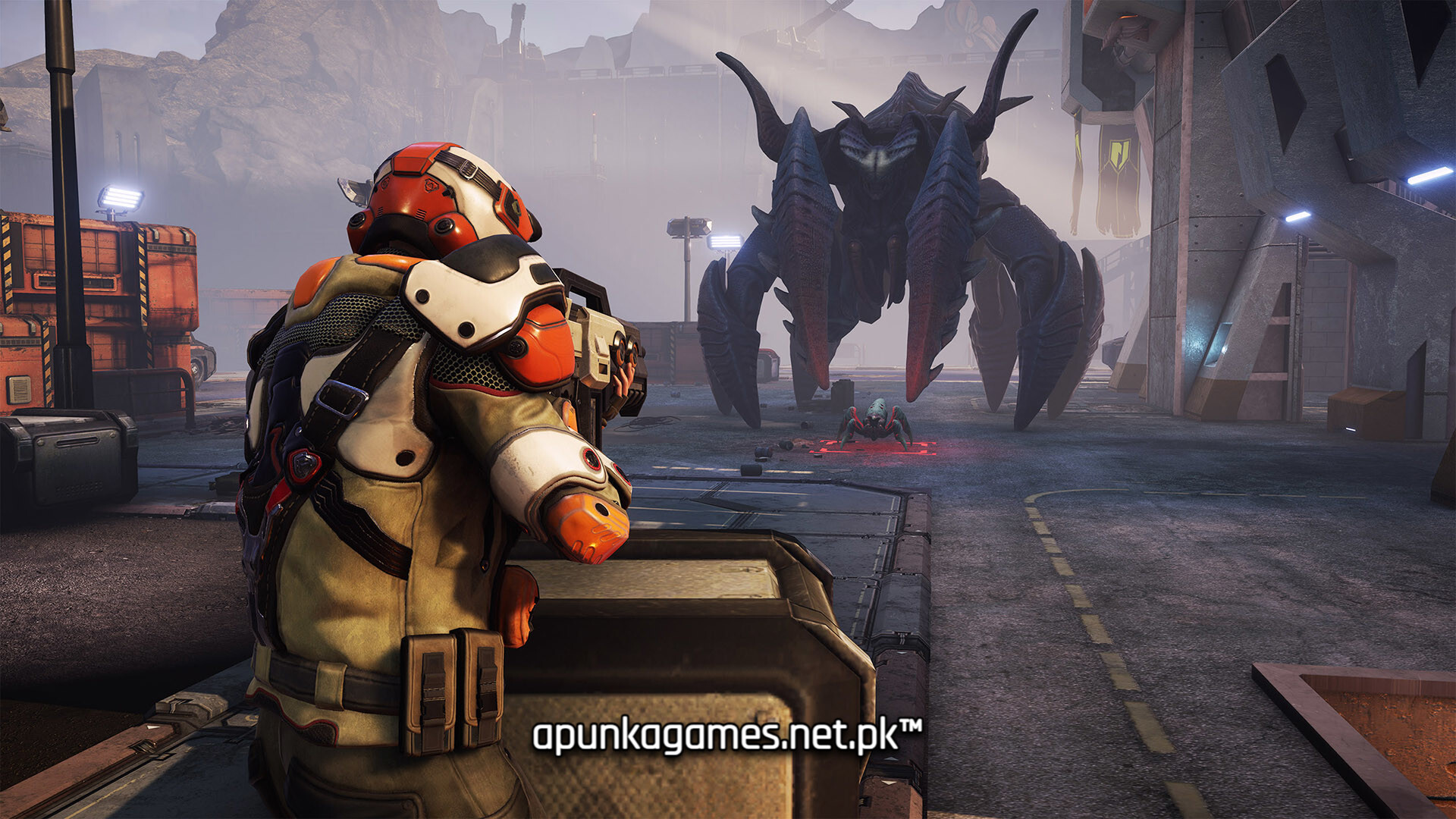
For PC players, the game delivers an exceptionally deep, dual-layered strategy loop. On the global Geoscape map, you manage vital resources, research advanced technologies, and navigate tense diplomatic relations with three highly ideological human factions. On the ground, the tactical turn-based combat features a revolutionary free-aim ballistic system, allowing you to manually target specific enemy body parts to disable their weapons or expose weak spots. Crucially, the alien threat dynamically evolves, mutating new armor configurations and biological counters in direct response to your successful combat tactics.
The Complete Edition bundles the core experience with all six major DLC expansions, adding cybernetics, ancient technology, intense air combat, and deep vehicle customization. The final digital installation requires 30 GB of available storage space on your hard drive or solid-state drive (SSD) to deploy your squad.
Before downloading make sure that your PC meets minimum system requirements
Minimum System Requirements
- OS: Win 10, 8 and 7 SP1+ (64 bit)
- Processor: Intel Core i3 / AMD Phenom II X4
- Memory: 8 GB RAM
- Graphics: Nvidia GeForce GTX 950 / AMD Radeon R9 270x
- DirectX: Version 11
- Storage: 30 GB available space
Screenshots
How to Install Phoenix Point Complete Edition?
- Download: Get the installer only from the official developer or a verified store.
- Run Setup: Double-click the official .exe file and follow the prompts.
- Default Path: Install to the recommended folder to ensure proper system permissions.
- Update: Run the game launcher to download any official security patches.
- Launch: Open the game via the official desktop shortcut.