Apunkagames Official Site – Games Download For PC Apunkagames Official Site — Discover detailed PC game guides, accurate system requirements, screenshots, and verified official download links for top Windows games.

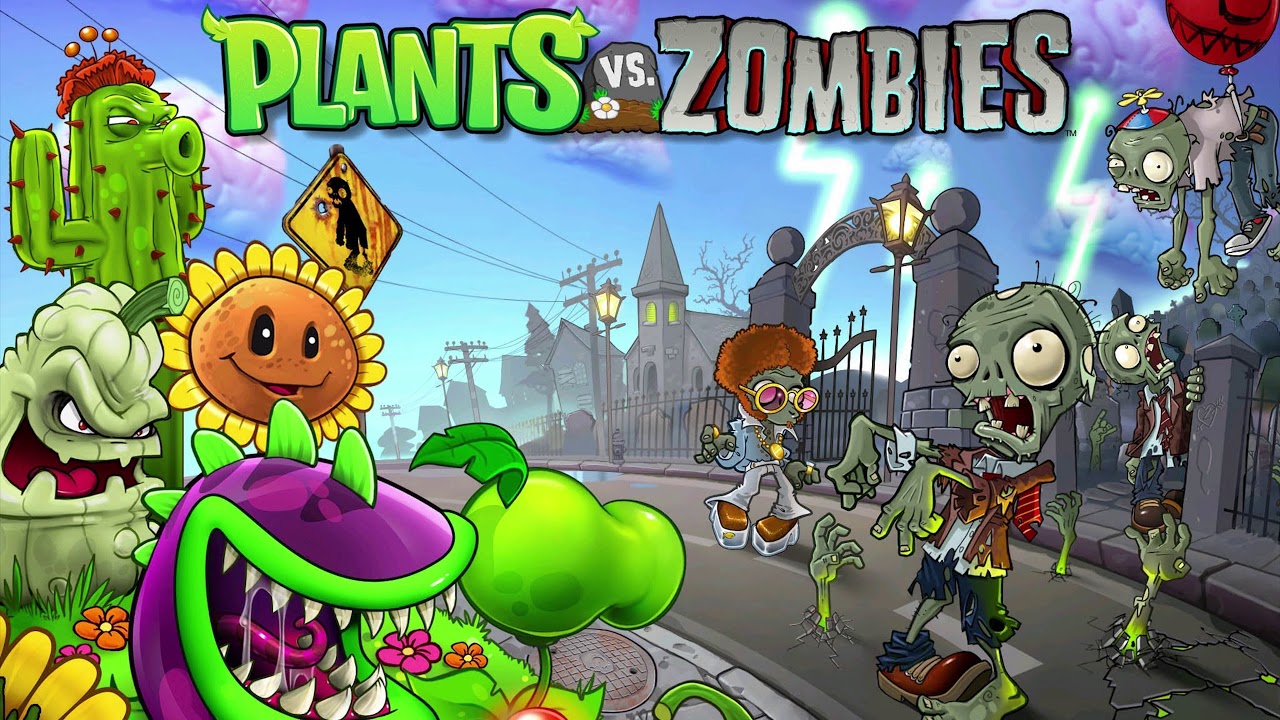
Plants vs. Zombies Replanted is a definitive, upscaled remaster of the legendary 2009 tower defense classic. Developed by PopCap Games alongside The Lost Pixels and published by Electronic Arts, the game revitalizes the iconic lane-based strategy loop. Players must once again strategically position sun-producing sunflowers, pea-shooters, and wall-nuts across their lawn to defend their home from waves of brain-hungry zombies deployed by Dr. Zomboss.
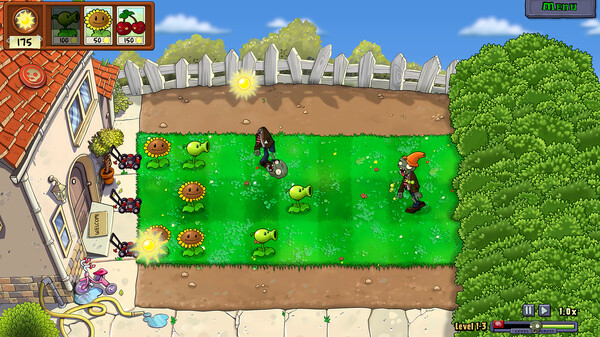
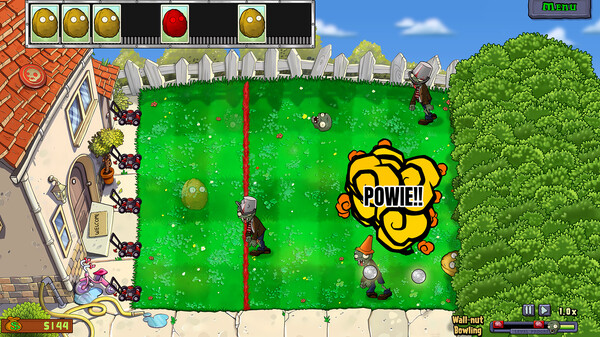
For PC players, this remaster modernizes the classic experience with native widescreen support, full controller compatibility, and crisp, upscaled graphics. It consolidates beloved elements from previous console iterations, bringing back local Co-op and Versus modes, alongside Steam Remote Play support. Essential quality-of-life additions include a 2.5x gameplay speed-up toggle and a “Sun Magnet” mechanic for streamlined resource collection. Furthermore, Replanted introduces entirely fresh challenges, including a limited-sunlight “Cloudy Day” variant, a permadeath “Rest in Peace” hardcore mode, and expanded Survival Endless levels across all environments.
Visually, the title shifts the legacy 800×600 layout into high-definition clarity while introducing an internal digital concept art vault. To begin fortifying your backyard grid, the digital package requires a lightweight 4 GB of available storage space on your hard drive or solid-state drive (SSD).
Before downloading make sure that your PC meets minimum system requirements
Minimum System Requirements
- OS: Windows 10 64-bit or later
- Processor: AMD FX-6300 / 3rd gen i3 or better
- Memory: 4 GB RAM
- Graphics: Intel Integrated Graphics
- DirectX: Version 11
- Storage: 4 GB available space
Screenshots
How to Install Plants vs Zombies Replanted?
- Download: Get the installer only from the official developer or a verified store.
- Run Setup: Double-click the official .exe file and follow the prompts.
- Default Path: Install to the recommended folder to ensure proper system permissions.
- Update: Run the game launcher to download any official security patches.
- Launch: Open the game via the official desktop shortcut.