Apunkagames Official Site – Games Download For PC Apunkagames Official Site — Discover detailed PC game guides, accurate system requirements, screenshots, and verified official download links for top Windows games.

Prison Break The Conspiracy is an action-adventure video game based on the first season of the popular television series. Developed by ZootFly and published by Deep Silver, the game offers fans a parallel perspective of the events at Fox River State Penitentiary. Instead of playing as Michael Scofield, players take on the role of Tom Paxton, an undercover agent for “The Company” who has been sent inside the prison to ensure that Lincoln Burrows is executed as planned.
The gameplay heavily emphasizes stealth mechanics, requiring players to sneak through various restricted areas of Fox River, evade guards, and utilize shadows or vents to avoid detection. Along with stealth, the game features quick-time event sequences and a close-quarters combat system where Paxton can participate in underground prison fights to earn respect and information. Players interact with familiar characters from the show, including Scofield, Burrows, T-Bag, and C-Note, making it an immersive experience for enthusiasts of the franchise.
From a narrative standpoint, the game successfully mirrors the tense, high-stakes atmosphere of the television show’s early days. It fills in behind-the-scenes gaps and provides context on what was happening around the brothers’ escape plot from an outsider’s point of view. While it features the authentic voices and likenesses of much of the original television cast, it remains a distinct piece of media that captures the gritty essence of the Fox River environment.
Before downloading make sure that your PC meets minimum system requirements
Minimum System Requirements
- OS: Windows XP / 7 / 8 / 10
- Processor: Single Core 2.0 GHz
- Memory: 1 GB RAM
- Graphics: Nvidia GeForce 7800
- DirectX: Version 9.0c
- Storage: 2 GB available space
Screenshots
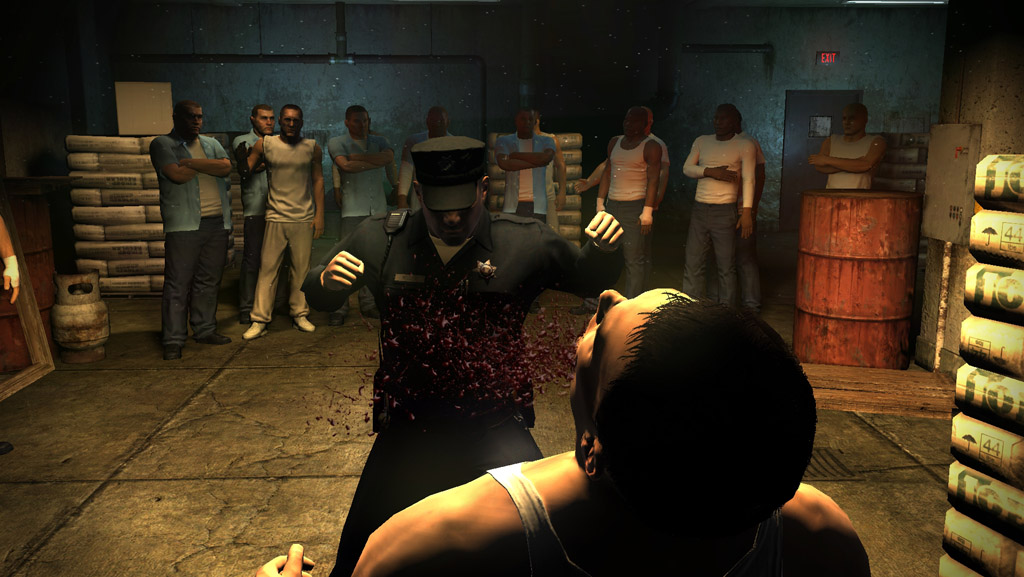
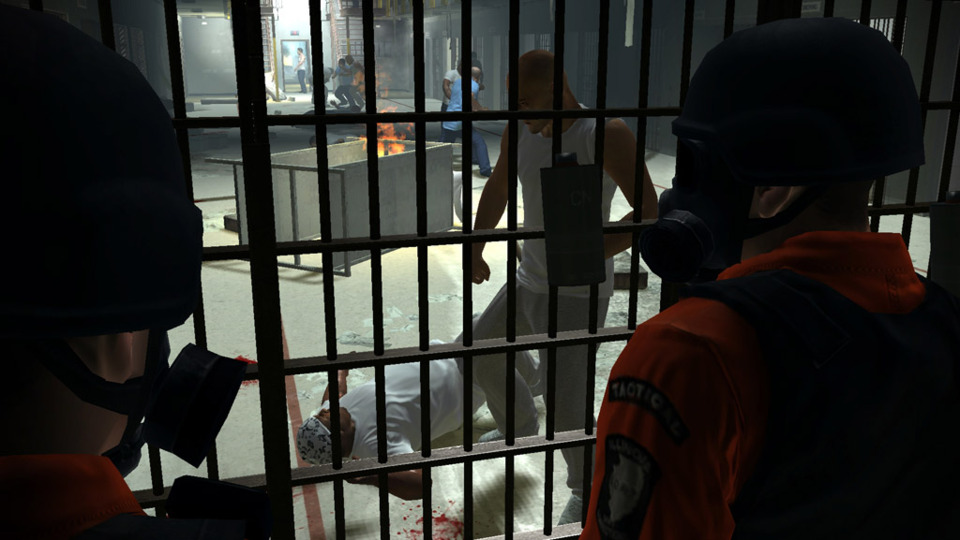
How to Install Prison Break The Conspiracy?
- Download: Get the installer only from the official developer or a verified store.
- Run Setup: Double-click the official .exe file and follow the prompts.
- Default Path: Install to the recommended folder to ensure proper system permissions.
- Update: Run the game launcher to download any official security patches.
- Launch: Open the game via the official desktop shortcut.