Apunkagames Official Site – Games Download For PC Apunkagames Official Site — Discover detailed PC game guides, accurate system requirements, screenshots, and verified official download links for top Windows games.

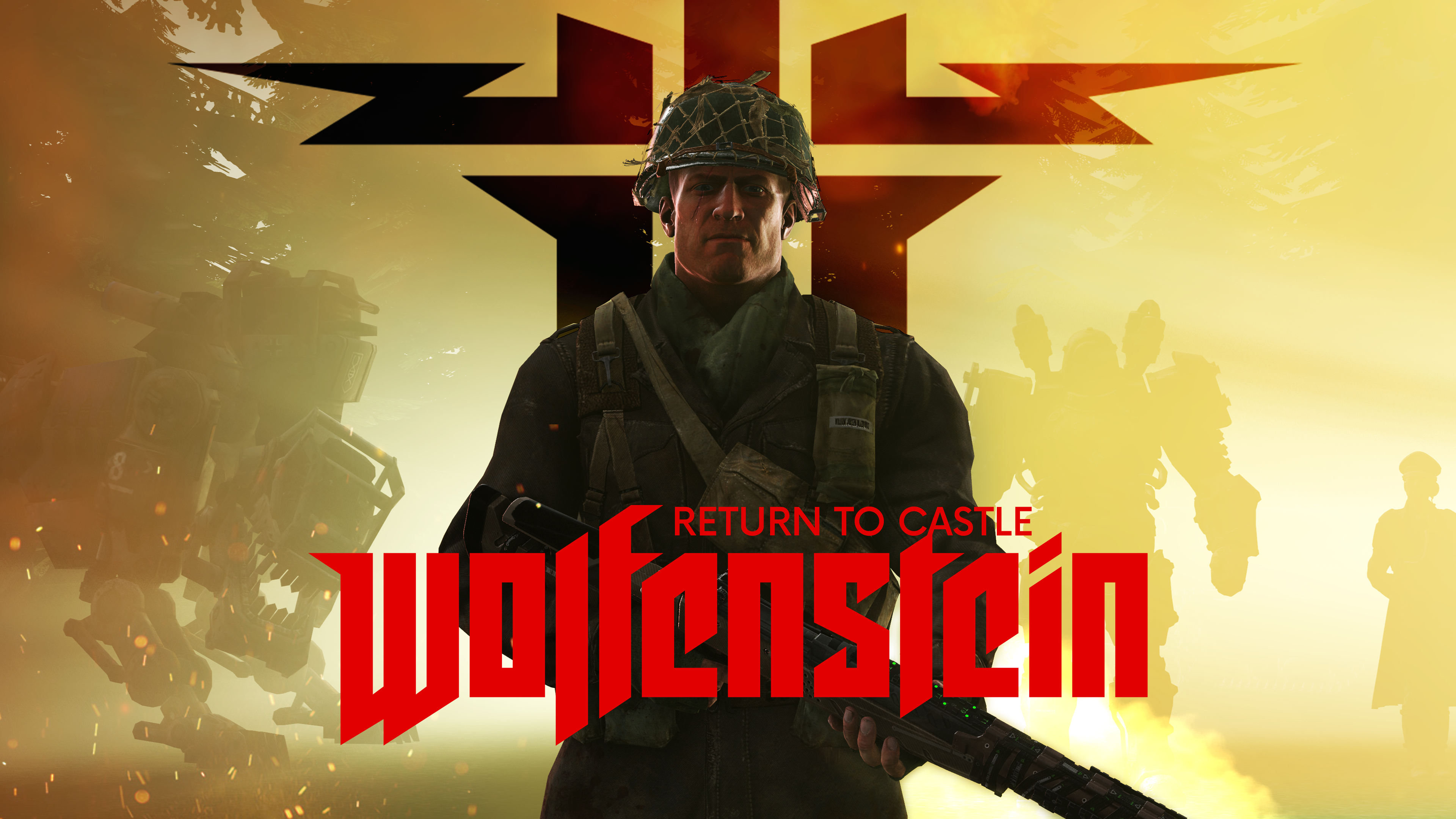
Return to Castle Wolfenstein is a legendary first-person shooter released in 2001 that brilliantly reimagined the franchise for a new era. Developed by Gray Matter Interactive and Nerve Software under the guidance of id Software, the narrative follows B.J. Blazkowicz, an elite OSA agent who escapes imprisonment from the titular fortress. B.J. must uncover and dismantle the Nazi Paranormal Division’s dark plans, which fuse horrific occult rituals with twisted, cybernetic super-soldier experiments.
For PC players, the game delivers a masterclass blend of intense, fast-paced gunplay and eerie, atmospheric survival horror. You navigate tight castle corridors, foggy cemeteries, and high-tech underground labs while wielding a diverse arsenal of authentic WWII firearms and experimental sci-fi weaponry, like the Tesla Gun. The game famously pioneered objective-based team multiplayer, setting a gold standard for tactical online gaming through its distinct player classes and balanced map designs.
Visually, the game utilized a heavily modified id Tech 3 engine (the Quake III Arena engine) to deliver groundbreaking dynamic lighting, detailed volumetric fog, and highly expressive character animations. This timeless digital classic is remarkably lightweight by modern standards, requiring just 800 MB of available storage space on your hard drive or solid-state drive (SSD) to deploy.
Before downloading make sure that your PC meets minimum system requirements
Minimum System Requirements
- OS: Windows 95/98/ME/2000/XP
- Processor: Intel Pentium II 400 MHz
- Memory: 128 MB RAM
- Graphics: 16 MB video card supporting OpenGL
- DirectX: Version 8.0 or higher
- Storage: 800 MB available space
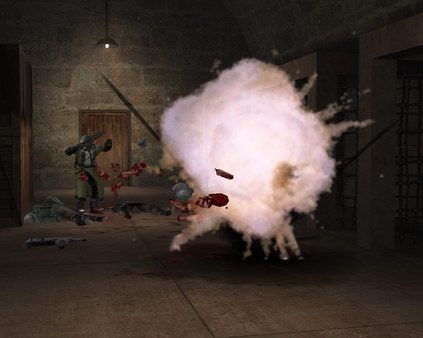
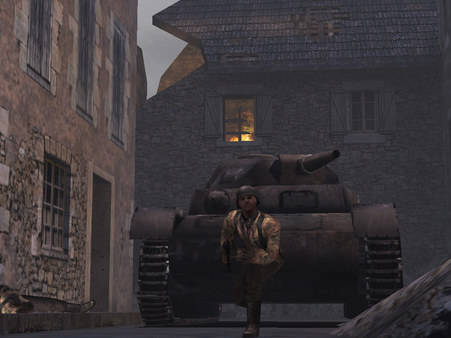
Screenshots
How to Install Return to Castle Wolfenstein?
- Download: Get the installer only from the official developer or a verified store.
- Run Setup: Double-click the official .exe file and follow the prompts.
- Default Path: Install to the recommended folder to ensure proper system permissions.
- Update: Run the game launcher to download any official security patches.
- Launch: Open the game via the official desktop shortcut.