Apunkagames Official Site – Games Download For PC Apunkagames Official Site — Discover detailed PC game guides, accurate system requirements, screenshots, and verified official download links for top Windows games.

True Crime Streets of LA is a gritty, open-world action-adventure classic released in 2003 that stood as a cinematic competitor to the early Grand Theft Auto titles. Developed by Luxoflux and published by Activision, the narrative follows Nick Kang, a loose-cannon, martial arts-expert detective assigned to the Elite Operations Division of the LAPD. Nick is tasked with tracking down a dangerous conspiracy involving the Chinese Triads and Russian Mafia across an incredibly expansive, block-for-block digital replica of Los Angeles.
For PC players, the game delivers an addictive, triple-threat gameplay loop that seamlessly blends high-speed driving, intense third-person gunplay, and deep martial arts hand-to-hand combat. You can cruise the streets to intercept randomly generated street crimes, arrest suspects, or use brutal force. A standout feature is the branching narrative system, where failing a mission doesn’t trigger a game-over screen; instead, the story dynamically alters its path, leading to multiple completely unique endings depending on your performance.
Visually, the engine pushed boundaries by rendering hundreds of miles of actual LA highways and neighborhoods. The PC port features enhanced resolutions, smoother framerates, and customizable controls, requiring just 3 GB of available storage space to install on your hard drive or solid-state drive (SSD).
Before downloading make sure that your PC meets minimum system requirements
Minimum System Requirements
- OS: Windows 98 / XP
- Processor: Intel Pentium III or AMD Athlon processor
- Memory: 128 MB RAM
- Graphics: 32 MB DirectX 9.0c-compatible video card
- DirectX: Version 9.0c
- Storage: 3.1 GB available space
Screenshots
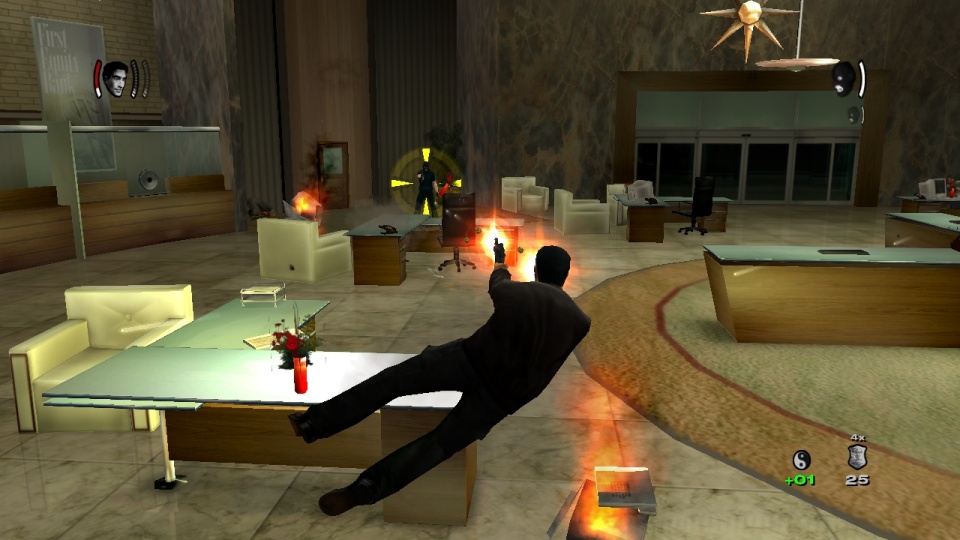
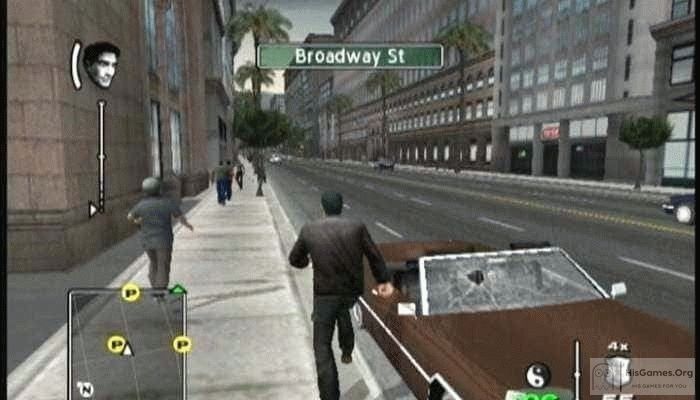
How to Install True Crime Streets of LA?
- Download: Get the installer only from the official developer or a verified store.
- Run Setup: Double-click the official .exe file and follow the prompts.
- Default Path: Install to the recommended folder to ensure proper system permissions.
- Update: Run the game launcher to download any official security patches.
- Launch: Open the game via the official desktop shortcut.