Apunkagames Official Site – Games Download For PC Apunkagames Official Site — Discover detailed PC game guides, accurate system requirements, screenshots, and verified official download links for top Windows games.
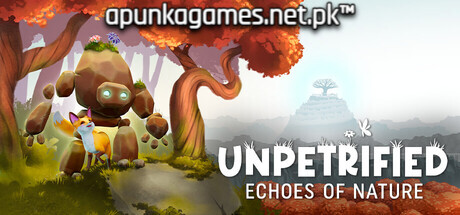
Unpetrified Echoes of Nature is a deeply peaceful, cozy puzzle-adventure game released in November 2025 that invites players to slow down and experience an emotional journey of environmental restoration. Developed by Dreamhunt Studio and published by Mindscape, the narrative centers on an unlikely, heartwarming friendship between a newly reawakened, magical stone Golem and an adorable, helpful Fox as they explore the striking remnants of a lost civilization to reclaim the natural world.
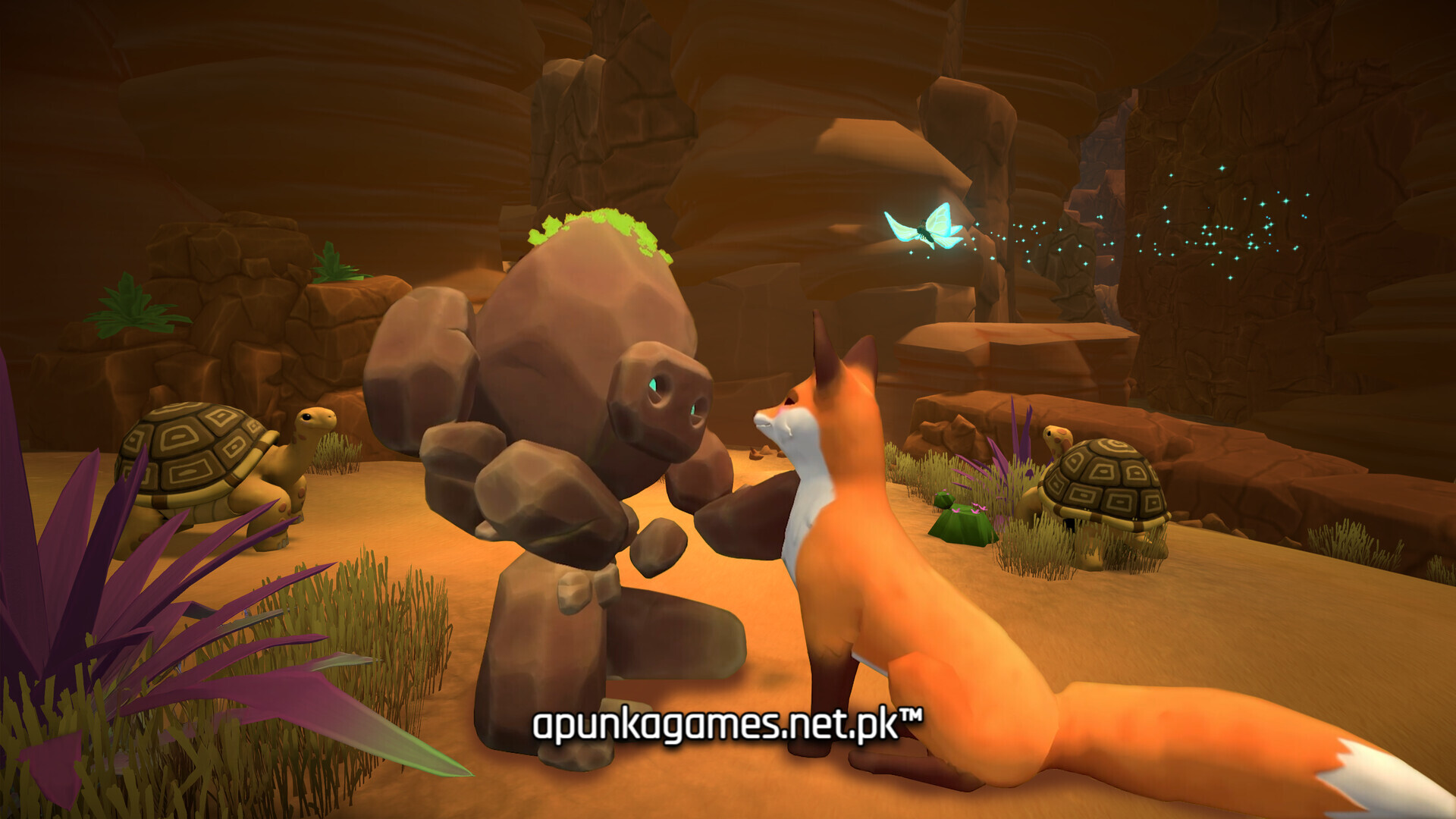
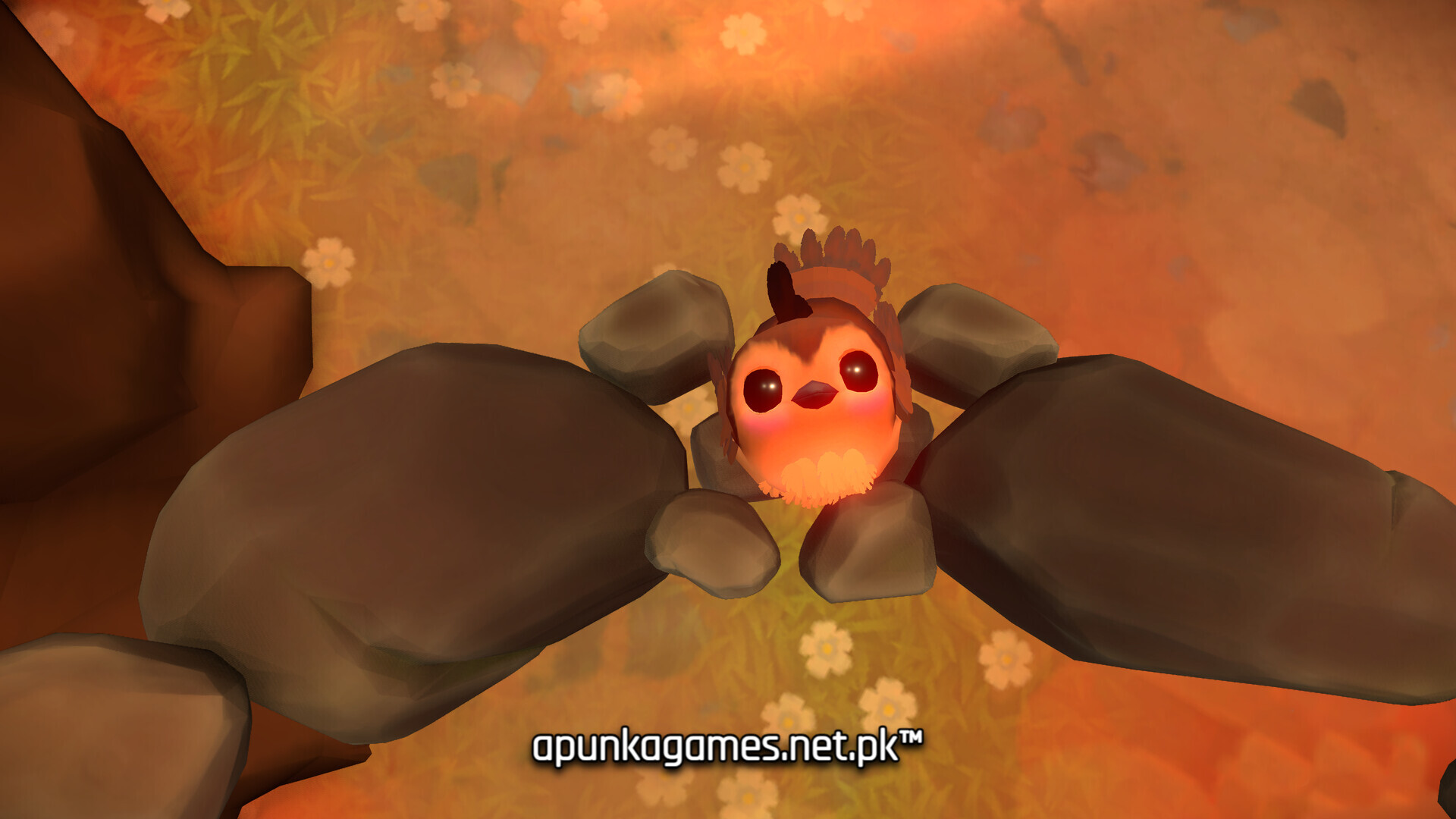
For PC players, the title functions as a relaxing, combat-free exploration sandbox and walking simulator. The core gameplay loop trades high-stress action for mindful progression, forcing you to solve large-scale environmental puzzles to reconnect ancient energy sources, rescue a variety of charming wild animals, and uncover hidden secrets. The Golem’s shifting emotions react directly to the surrounding environment in real time—affecting the local weather and plant life—while the progress of your emotional quest is visually represented by vibrant flowers blooming across the Golem’s stone back.
Visually, the game utilizes a sublime, highly stylized 3D art direction overflowing with vibrant, colorful biomes. The complete digital installation is exceptionally well-optimized and requires 7 GB of available storage space on your hard drive or solid-state drive (SSD) to begin your journey.
Before downloading make sure that your PC meets minimum system requirements
Minimum System Requirements
- OS: Windows 10 64bit
- Processor: Intel i5-6600K / AMD Ryzen 5 2600
- Memory: 8 GB RAM
- Graphics: NVIDIA GeForce GTX 1050 Ti
- Storage: 7 GB available space
Screenshots
How to Install Unpetrified Echoes of Nature?
- Download: Get the installer only from the official developer or a verified store.
- Run Setup: Double-click the official .exe file and follow the prompts.
- Default Path: Install to the recommended folder to ensure proper system permissions.
- Update: Run the game launcher to download any official security patches.
- Launch: Open the game via the official desktop shortcut.