Apunkagames Official Site – Games Download For PC Apunkagames Official Site — Discover detailed PC game guides, accurate system requirements, screenshots, and verified official download links for top Windows games.
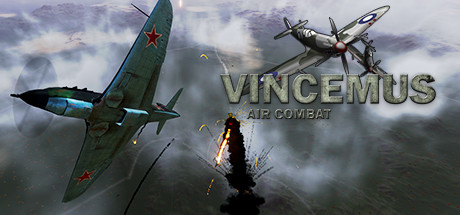
Vincemus Air Combat is an indie action-simulation game developed and published by Virtual Convict. Released out of early access on December 20, 2024, the game transports players into the intense aerial theaters of World War II. It strikes a deliberate balance between realistic flight elements and accessible arcade shooter gameplay, making it specifically optimized for smooth mouse and keyboard controls.
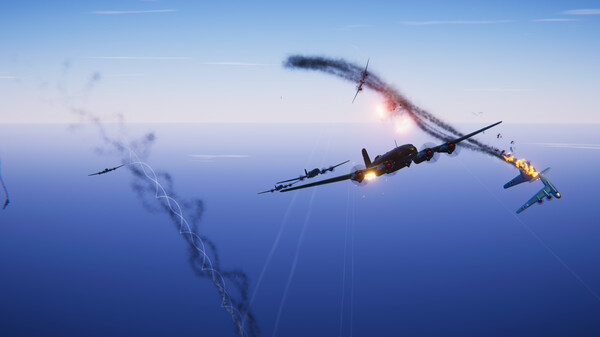
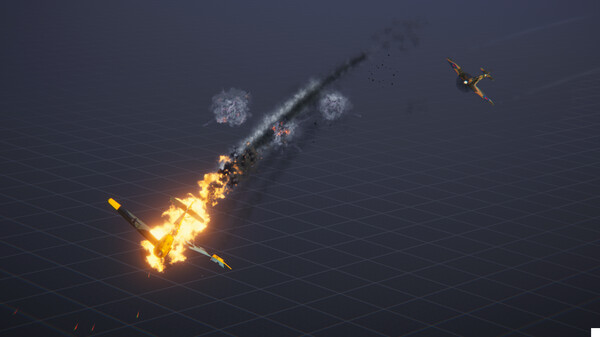
The gameplay is split across three distinct historical campaigns spanning Africa, Europe, and the Pacific. Players can take to the skies in an assortment of iconic aircraft, each possessing unique handling characteristics tailored for specific combat styles, such as maneuvering dogfights, high-speed interceptions, or heavy ground pounding. Throughout these expansive maps, you are tasked with diverse single-player missions that include intercepting enemy fighters, defending crucial allies, and executing dangerous raiding runs against enemy ground and naval forces.
To succeed, players must utilize the detailed in-game user interface to analyze upcoming threats and adapt their strategies. The game features an engaging progression system where you can customize and upgrade weapon payloads, main guns, and overall aircraft combat effectiveness. Available on both Windows and macOS, it offers a single-player experience complete with Steam Achievements and Cloud support, appealing directly to those who want a classic, offline World War II flight game.
Before downloading make sure that your PC meets minimum system requirements
Minimum System Requirements
- OS: Windows 10 (64bit)
- Processor: Intel Core Core i7 or better
- Memory: 8 GB RAM
- Graphics: NVIDIA GeForce GTX 970
- Storage: 20 GB available space
Screenshots
How to Install Vincemus Air Combat?
- Download: Get the installer only from the official developer or a verified store.
- Run Setup: Double-click the official .exe file and follow the prompts.
- Default Path: Install to the recommended folder to ensure proper system permissions.
- Update: Run the game launcher to download any official security patches.
- Launch: Open the game via the official desktop shortcut.