Apunkagames Official Site – Games Download For PC Apunkagames Official Site — Discover detailed PC game guides, accurate system requirements, screenshots, and verified official download links for top Windows games.

Winter Survival is a brutal, immersive first-person survival game released in early access in 2024 that pushes your endurance to its absolute limits. Developed by Drago Entertainment, the narrative follows an ordinary trek through Mount Washington State Park that turns catastrophic when a sudden bear attack separates you from your friends and strips you of your gear. Stranded in a freezing, unforgiving wilderness, you must fight against starvation, dehydration, and sub-zero temperatures while frantically searching for a way to call for rescue.
For PC players, the gameplay loop elevates classic survival mechanics by introducing a punishing Sanity System. As you battle extreme cold, sleep deprivation, and stalking predators like timber wolves, your mental state deteriorates, triggering terrifying auditory and visual hallucinations that directly alter reality. The core mechanics prioritize meticulous resource planning, requiring you to master complex item crafting, build makeshift snow shelters, lay tactical traps, and use advanced stealth mechanics to completely avoid direct confrontations with deadly wildlife.
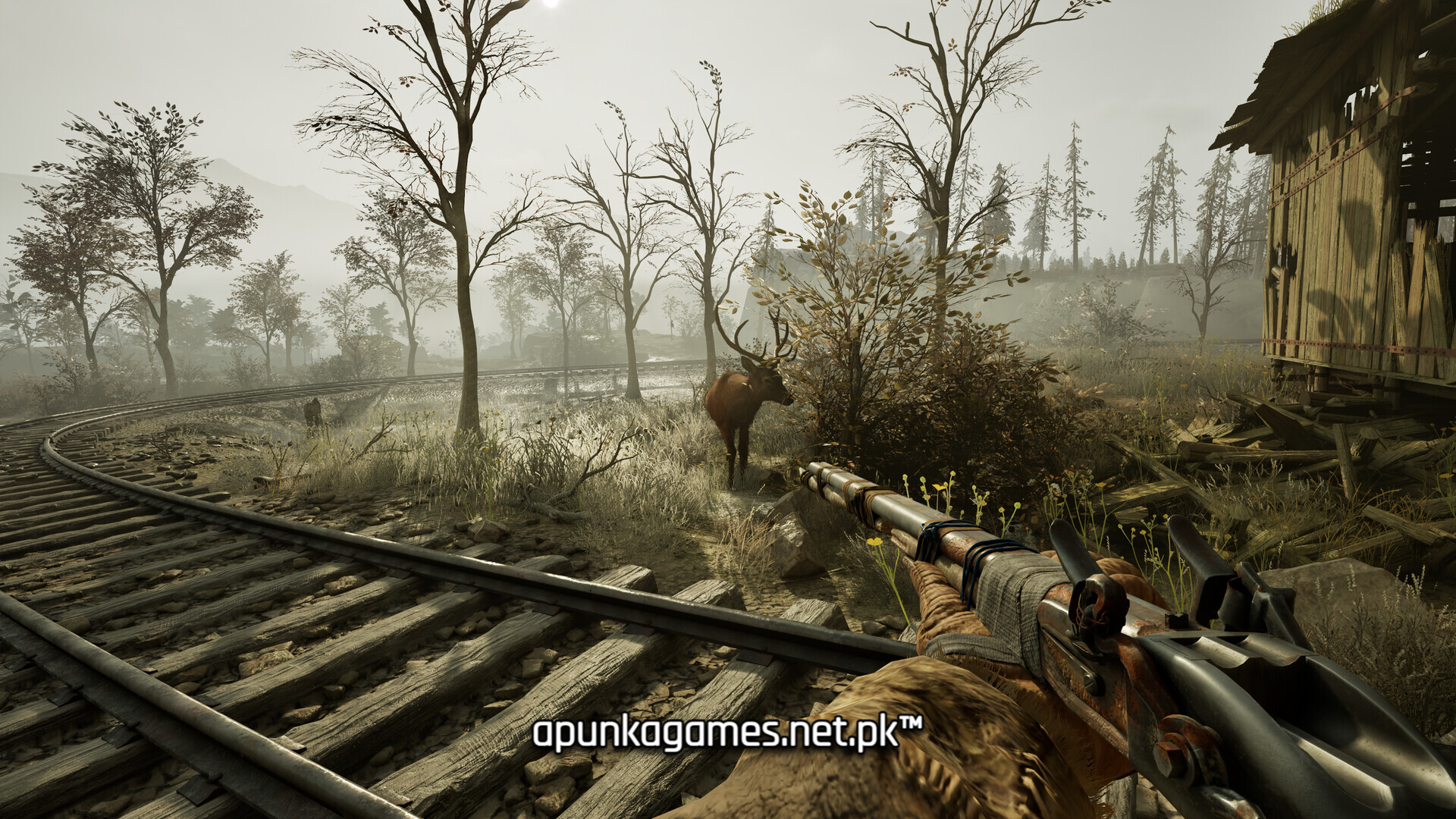
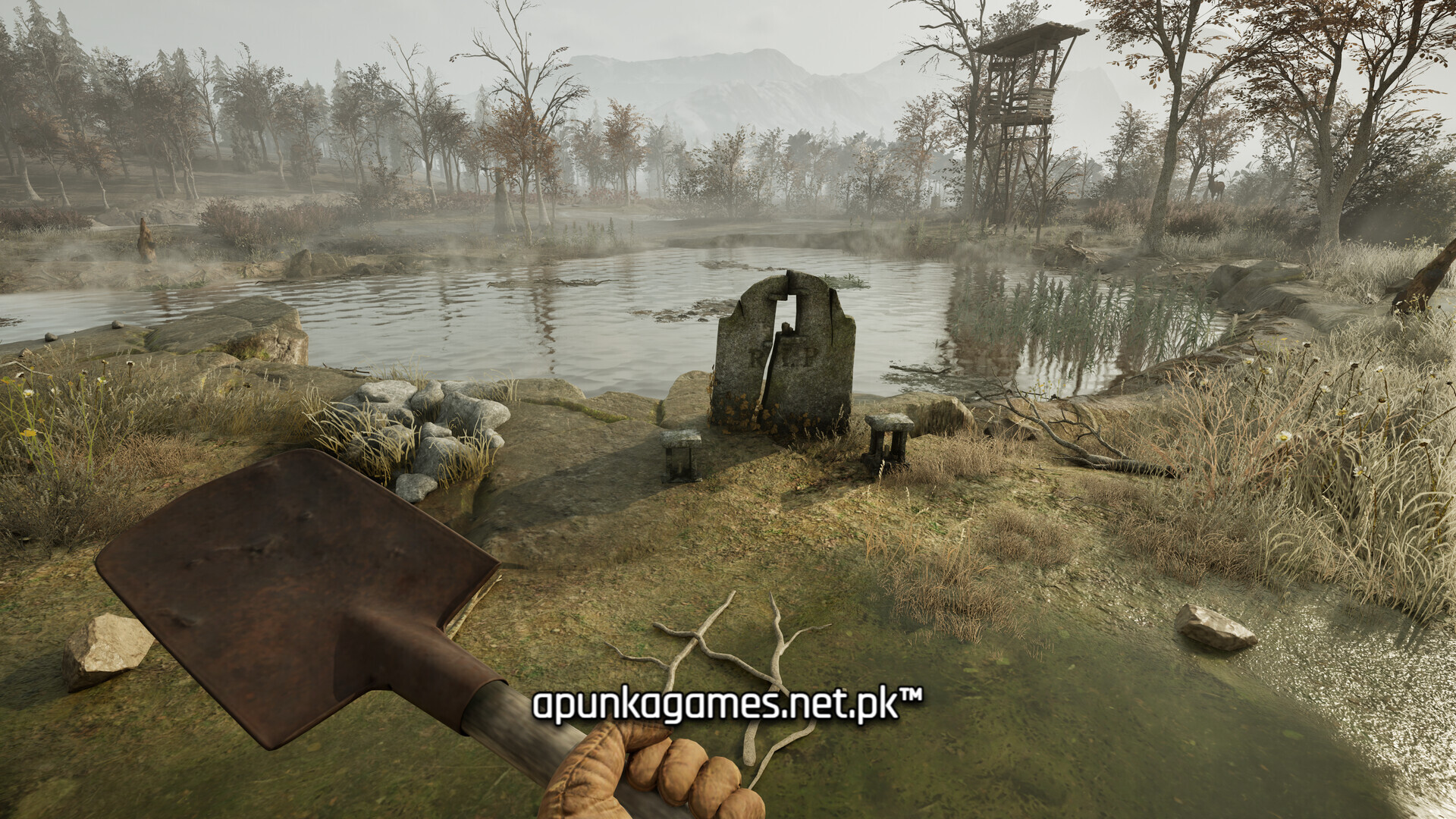
Visually, the game utilizes Unreal Engine to render stunningly detailed, hyper-realistic winter environments, complete with dynamic weather shifts and highly convincing snow deformation physics. The complete digital installation requires 15 GB of available storage space on your hard drive or solid-state drive (SSD) to begin your desperate alpine struggle.
Before downloading make sure that your PC meets minimum system requirements
Minimum System Requirements
- OS: Windows 10 (64-bit)
- Processor: AMD Ryzen 5 1600X / Intel Core i5-7600K
- Memory: 8 GB RAM
- Graphics: AMD Radeon RX 580 8GB / NVIDIA GeForce GTX 1060 6GB
- DirectX: Version 12
- Storage: 15 GB available space
Screenshots
How to Install Winter Survival?
- Download: Get the installer only from the official developer or a verified store.
- Run Setup: Double-click the official .exe file and follow the prompts.
- Default Path: Install to the recommended folder to ensure proper system permissions.
- Update: Run the game launcher to download any official security patches.
- Launch: Open the game via the official desktop shortcut.