Apunkagames Official Site – Games Download For PC Apunkagames Official Site — Discover detailed PC game guides, accurate system requirements, screenshots, and verified official download links for top Windows games.

X Men The Official Game is an action-adventure title released in 2006 that bridges the narrative gap between the blockbuster films X2: X-Men United and X-Men: The Last Stand. Developed by Z-Axis, the story centers on Wolverine, Nightcrawler, and Iceman as they infiltrate enemy facilities, battle iconic villains like Sabretooth and Magneto, and uncover the sinister origins of the Mutant-hunting Sentinel program.
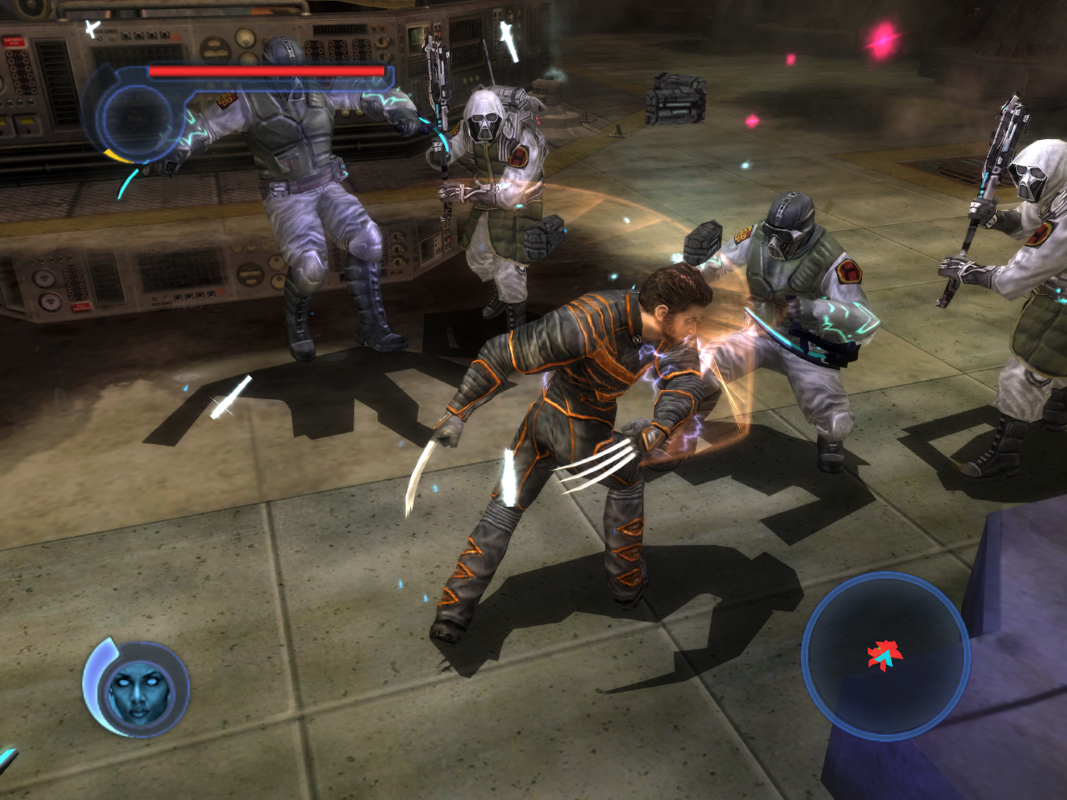
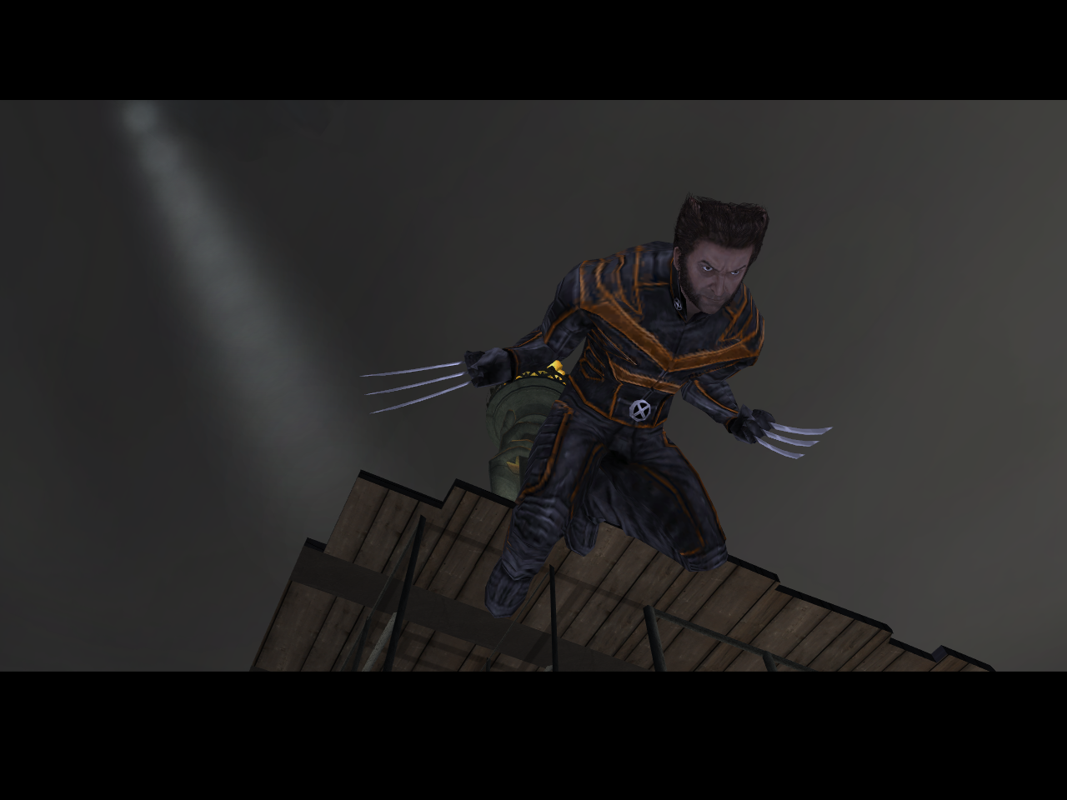
For PC players, the game delivers three distinct mechanical loops tailored to each playable mutant. Wolverine’s levels feature aggressive, close-quarters hack-and-slash brawling powered by his iconic claws and a rapid health-regeneration mechanic. Nightcrawler’s stages prioritize high-speed, acrobatic platforming and stealth, utilizing his signature teleportation abilities to ambush guards and bypass security. Meanwhile, Iceman introduces fast-paced aerial combat and racing mechanics, allowing players to glide through the skies on a continuous ice slide while firing freezing projectiles at environmental hazards.
Visually, the game captures the gritty cinematic aesthetic of the mid-2000s film universe, featuring voiceover work from movie cast members like Hugh Jackman and Alan Cumming. The optimized classic PC port runs smoothly on a wide variety of hardware configurations, requiring 3 GB of available storage space on your hard drive or solid-state drive (SSD) to install.
Before downloading make sure that your PC meets minimum system requirements
Minimum System Requirements
- OS: Windows XP/2000
- Processor: Pentium III or AMD Athlon 1.2 GHz
- Memory: 256 MB RAM
- Graphics: NVIDIA GeForce 3+
- DirectX: DirectX 9.0c
- Storage: 1.5 GB free hard disk space
Screenshots
How to Install X Men The Official Game?
- Download: Get the installer only from the official developer or a verified store.
- Run Setup: Double-click the official .exe file and follow the prompts.
- Default Path: Install to the recommended folder to ensure proper system permissions.
- Update: Run the game launcher to download any official security patches.
- Launch: Open the game via the official desktop shortcut.