Apunkagames Official Site – Games Download For PC Apunkagames Official Site — Discover detailed PC game guides, accurate system requirements, screenshots, and verified official download links for top Windows games.

Im on Observation Duty 8 is an intense, psychological horror spot-the-difference game released in May 2024. As a virtual surveillance operator, your sole objective is to monitor live security camera feeds across multiple haunting environments, identify reality-bending anomalies, and report them before they overwhelm the system and trigger a catastrophic failure.
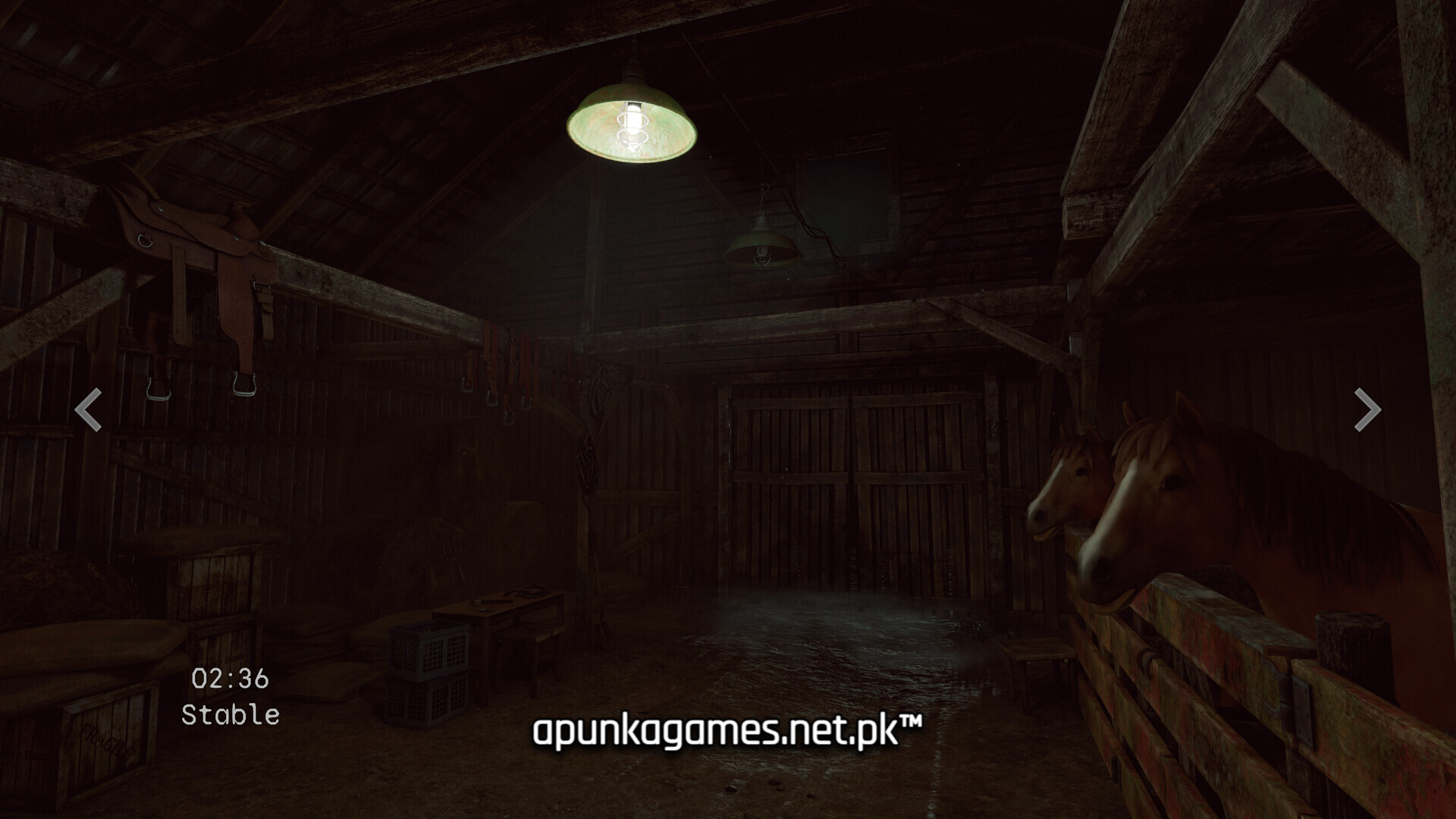
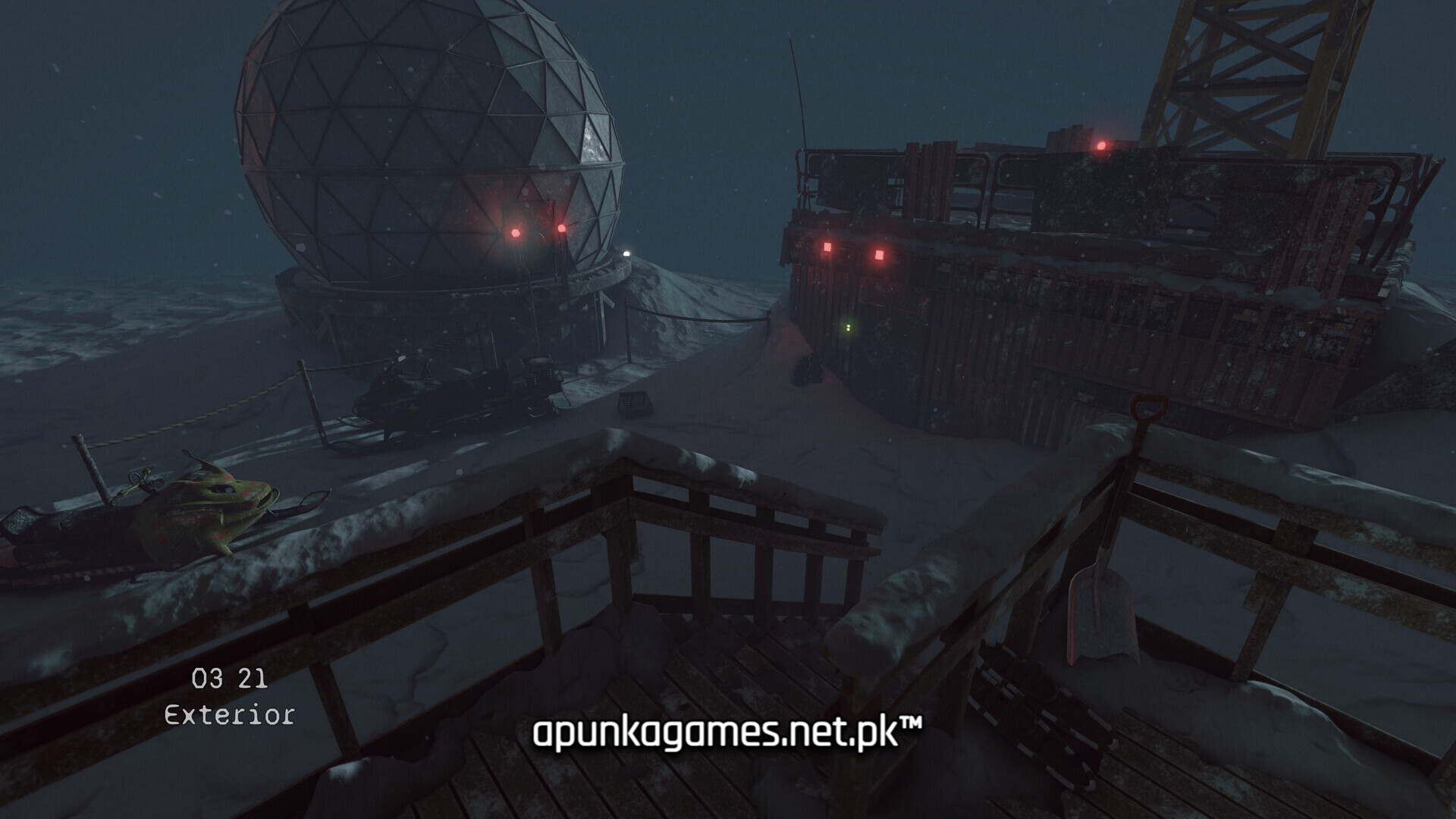
For PC players, the gameplay loop is a masterclass in static tension and meticulous observation. Armed with only your mouse and keyboard, you cycle through grainy camera feeds, scanning for anything from subtle object movements and lighting shifts to terrifying full-body intruder manifestations and reality distortions. When you spot an anomaly, you must immediately open a file menu to submit a report specifying the exact room and anomaly type—such as “Object Disappearance,” “Ghost,” or “Abyss.”
Success depends on memorizing the default layouts of each room while managing escalating paranoia, as failing to report too many anomalies results in an instant game over. Visually, the game utilizes a raw, highly immersive closed-circuit television (CCTV) aesthetic that relies heavily on shadows, visual noise, and ambient audio cues. The digital installation requires a lightweight 4 GB of available storage space on your solid-state drive (SSD) or hard drive.
Before downloading make sure that your PC meets minimum system requirements
Minimum System Requirements
- OS: Windows 10 / 11
- Processor: Intel Core i5-4690 CPU 3.50GHz × 4
- Memory: 4 GB RAM
- Graphics: RTX 2060 or better
- Storage: 3 GB available space
Screenshots
How to Install Im on Observation Duty 8?
- Download: Get the installer only from the official developer or a verified store.
- Run Setup: Double-click the official .exe file and follow the prompts.
- Default Path: Install to the recommended folder to ensure proper system permissions.
- Update: Run the game launcher to download any official security patches.
- Launch: Open the game via the official desktop shortcut.